Online Mockup Generators: How to Choose the Right Tool
Choose an online mockup generator for product or device previews. Compare Canva, Placeit and Mockuuups workflows, export checks, licenses and PSD alternatives.
By Davut TekinUpdated 7 min read
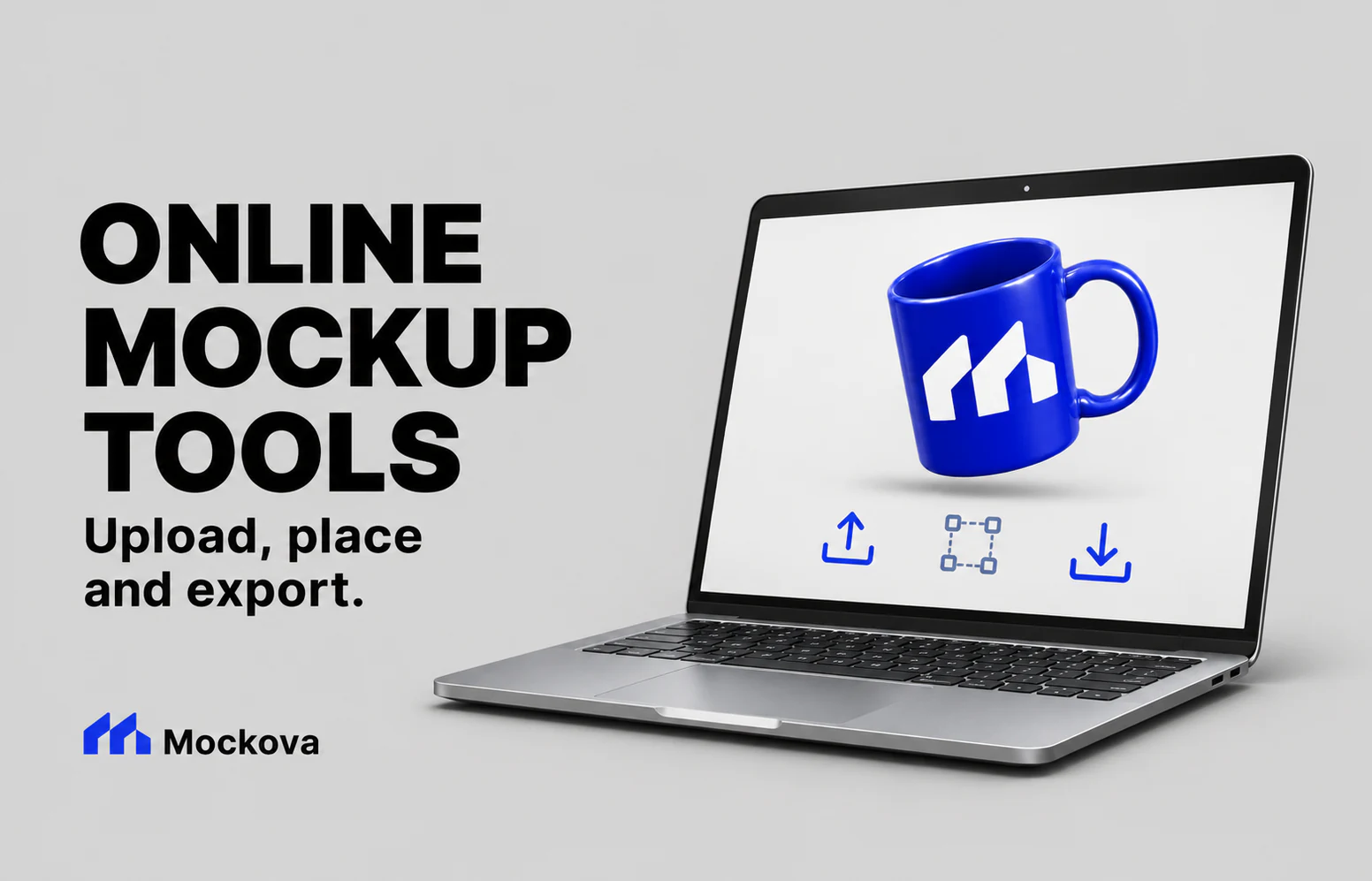
You need your logo on a mug by lunchtime. You could download a PSD, open Photoshop and find the right layer. Or you could open a website, upload the logo and download a finished image two minutes later.
For a lot of jobs, the website wins. For some, it’ll let you down though. It comes down to how much control you actually need.
Quick answer: An online mockup generator is worth using when you need a quick image, don’t use design software, or make lots of similar product images. Use PSD mockups instead when you need precise control over lighting and warping, very high resolution or a scene nobody else is using. Before paying, check the export size and the license for your use.
What an online mockup generator does
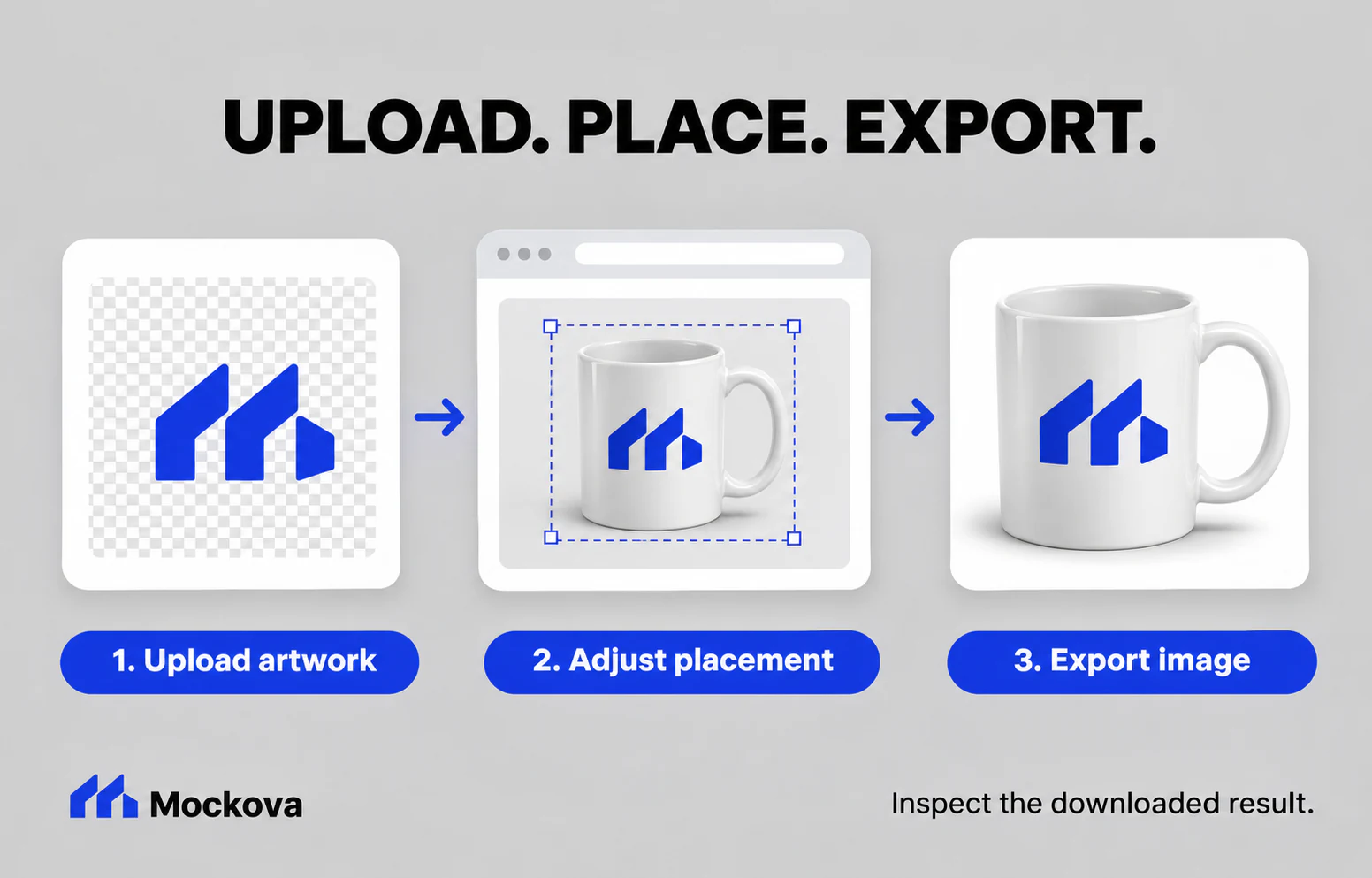
You pick a scene, upload your design, adjust its position and download an image. The tool handles the warping and shadows in the browser, so there’s nothing to install and no layers to deal with.
Examples include Canva Mockups, Placeit and Mockuuups Studio. Pick a workflow around your output, rather than assuming every tool has the same scene library, export limits or editing controls.
Smartmockups is no longer a separate active generator: Canva confirms its closure. Instructions that send you to its old editor may be outdated.
Three starting points, with different workflows
| Tool | A reason to consider it | Verify before committing |
|---|---|---|
| Canva Mockups | Adding product previews to a broader design or presentation | Scene availability, placement controls and your account’s download options |
| Placeit | Creating product and apparel images in a browser | The chosen scene, final pixel size and terms for your intended use |
| Mockuuups Studio | Exploring device-screen presentation scenes | Device fit, available integrations and plan-specific export options |
This is a shortlist based on the tools’ documented workflows, not a hands-on ranking or a claim that one produces the best image. Features and plans checked against official pages on November 10, 2026.
Canva documents a drag-and-drop mockup editor. Placeit describes browser-based creation and PNG downloads for its mockups. Mockuuups offers browser, desktop and design-tool integrations. Check the workflow you will actually use before subscribing.
Where generators are the better choice
Speed. If a client asks for a quick preview during a call, you can have it before the call ends.
Less setup. Shop owners and marketers can make a preview without learning Photoshop layers. You still need to choose a believable scene and prepare the source artwork.
Volume. Putting 30 designs on the same t-shirt scene is much less tedious in a tool built for it. Some tools offer batch features, so check if you need that.
Screens. For phones and laptops, generators are often all you need, because a flat screen doesn’t need complicated warping.
Where they fall short
Less control. You usually can’t edit shadow layers, change how the design wraps, or adjust the lighting the way you can in a PSD.
Lower resolution on some plans. Free plans may limit export size. A small file looks fine on Instagram and soft in a client deck.
Shared scenes. Popular generator scenes show up all over the place, and they can make a shop look like everyone else’s.
Subscriptions. Paying monthly for a tool you use twice a year rarely makes sense. And if the tool closes or your plan ends, you might lose access to your projects, so download your finished images.
Generator or PSD? A quick guide
| Your situation | Better choice |
|---|---|
| Quick preview for a client call | Generator |
| Dozens of product images in one style | Generator with batch features |
| No design software, one logo to test | Generator or Canva |
| Final client presentation | Either, if the export, license and scene meet the brief |
| Packaging or curved products up close | A suitable generator or PSD; inspect wrapping and editable controls |
| A hero image that needs to feel unique | PSD or your own photo mockup |
Many designers use both: a generator for early rounds, then a PSD for the final deck. If you’re comparing software more broadly, see Photoshop vs Figma vs Canva.
What to check before you pay
- Export size. Is the plan’s maximum resolution big enough for your use?
- License. Can you use the images commercially, and in product listings or ads? Read the tool’s terms. They often differ from PSD licenses.
- What happens if you cancel. Can you keep using images you already made?
- The scene library. Does it have your actual product, in a style you like?
- Batch and team features, only if you really need them.
Most tools let you try before paying. Test with your real logo, download the file and look at it at 100% zoom. If you’re unsure whether paying makes sense at all, our comparison of free vs premium mockups can help.
Run the same small test in each tool
Use one artwork file and the same intended output so your comparison has a useful basis. For a clothing shop, that might be a front-view shirt image with the same logo placement. For an app, it might be a phone screen with text near all four edges.
- Check the product match. Compare the neckline, handle, bezel or packaging shape with your real product. A polished image of the wrong product can mislead a buyer.
- Place the design. Look for cropping, distorted proportions and a print size that would be unrealistic in production.
- Download a sample. If the service permits a trial export, inspect the actual file dimensions and watermark status. A large preview is not proof of a large download.
- Inspect the same details. Compare thin letters, logo corners and how the design meets seams or curved edges.
- Record the conditions. Save the scene link, account plan, export size and license link with the date you checked them.
If a trial does not allow a full-quality download, mark that part of your comparison as unverified. Do not assume a preview proves the paid export will meet your brief.
A generator is not the same as an AI image generator
A template-based tool places artwork into a prepared surface. A generative image tool may redraw it, which can change letters or logo geometry. Some products include both workflows. For exact branding, inspect the output against the original; our AI mockup guide explains the distinction.
Can I download an editable PSD from a generator?
Do not assume it. A PNG or JPG is a finished image, not a layered source template. Check the export formats before buying. If you need an editable PSD, start with an appropriate template and our Photoshop walkthrough, or investigate a browser PSD editor separately.
Getting a better result from any generator
- Upload a large transparent PNG, or an SVG where the tool supports it.
- Keep the design a realistic size on the product.
- Choose a scene that matches your real product and its color.
- Check the edges of the design for white halos before you download.
Most bad generator results come from a small or poorly prepared logo. Our Canva mockup guide explains how to prepare one, and the steps work for every tool.
Try ours: Mockova’s free mockup generator has 15 studio scenes, including packaging, apparel, devices and print. Your artwork stays in your browser, and downloads have no watermark.
FAQ
What is a mockup generator?
A mockup generator is an online tool that places your design onto a ready-made product or device scene, like a t-shirt, mug or phone, and lets you download the result without Photoshop. Mockova’s free mockup generator works this way, with 15 scenes and no signup.
Are online mockup generators free?
Many have a free tier, usually with limits on scenes, export size or watermarks. Check what’s included before you build a workflow around one.
Are generator images good enough for client work?
They can be, including for final work, if the product representation, license and output quality meet the brief. A PSD is useful when its editable layers provide controls the generator lacks; the file format alone does not guarantee a better image.
Can I sell products using images from a generator?
It depends on the tool’s license and your plan. Check permission for your finished-image use separately from rights to resell templates. Our mockup licensing checklist can help. For listing-specific considerations, see our guide to using mockups for print-on-demand.
Your next step
Next time you need a quick preview, try a generator with your real logo and time it. Then look at the result at full size and ask whether a client would notice the difference. That one test tells you more than a feature list alone.
About the author
Davut Tekin
Senior Product Designer
Davut Tekin is a Senior Product Designer with 10+ years of experience. He runs Mockova and writes about choosing, editing and presenting design mockups.
See Davut’s design work at davut.me →