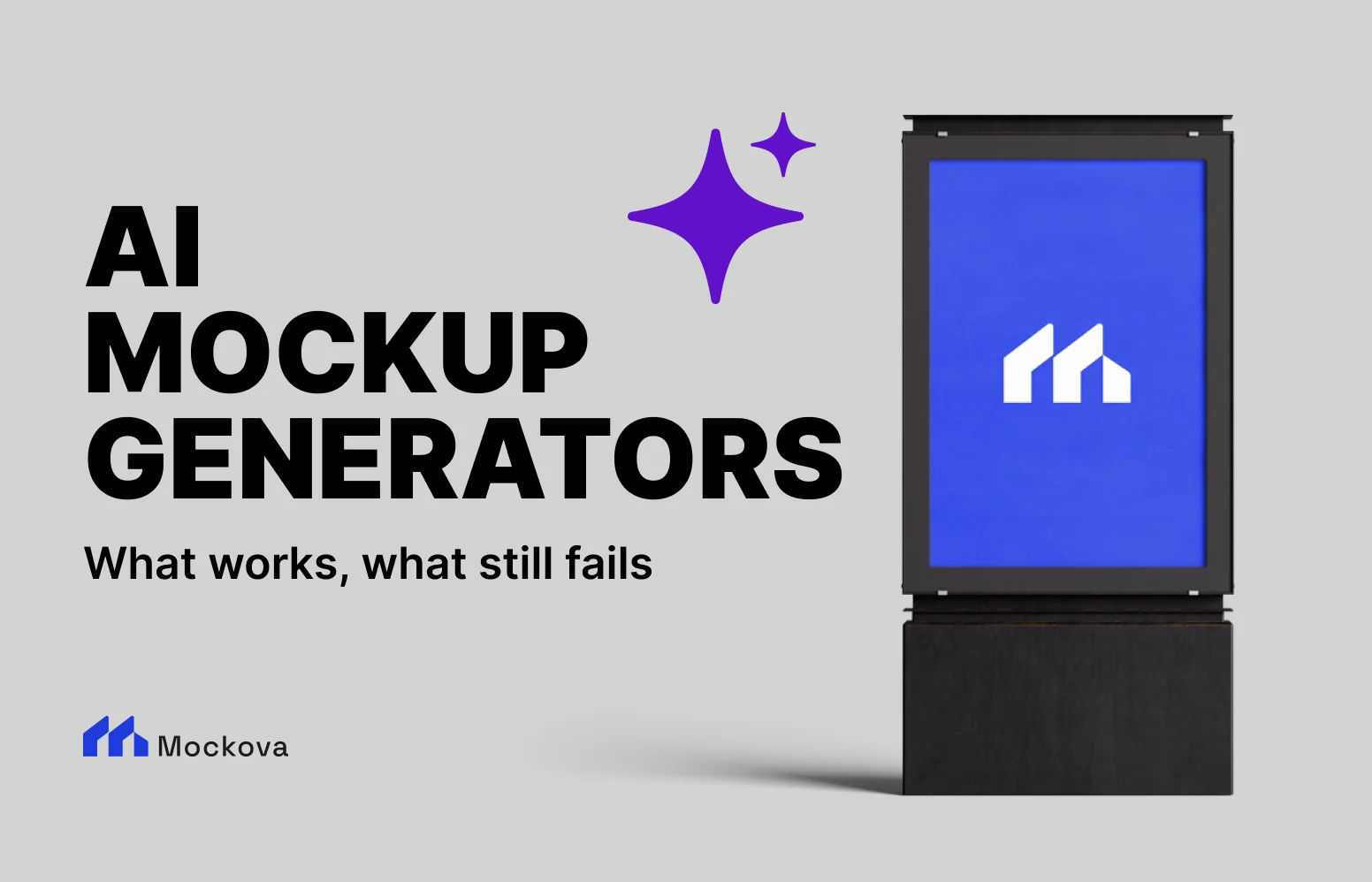
AI Mockup Generators: What Works and What Still Fails
Are AI mockup generators any good? What they do well, where logos and text break, and a simple workflow using AI for scenes and templates for final work.
By Davut TekinUpdated 4 min read
Type “white coffee cup on a wooden table with my logo” into an AI image tool, and you’ll get something gorgeous in seconds. Then you look closer. The logo’s curve is slightly off, one letter has changed, and the handle joins the cup in a way no real mug ever has.
An AI mockup generator is genuinely useful, but it isn’t a straight replacement for templates yet. It helps to know which jobs to give them.
Quick answer: AI mockup generators are great for ideas, backgrounds and quick concept images. They’re less reliable for exact logos, small text and anything that’s going to print, because the AI redraws your design instead of placing it. For final work, use AI for the scene and a template or design tool to place your real artwork.
Two different things get called “AI mockups”
This matters, because the results are very different.
General image generators (like ChatGPT’s image tool or Midjourney) create the whole picture from a prompt. The tool may redraw or alter the logo along with the rest of the image; inspect it against the source.
Dedicated mockup tools with AI features keep a template or scene and place your real file on it, sometimes using AI for the background. Your artwork stays pixel-accurate, since nothing is being reinvented.
If a site says “AI mockup generator”, check which of these you’re getting.
What an AI mockup generator does well
- Fast ideas. See your brand in ten settings before lunch.
- Unusual scenes. A jar on a snowy windowsill, a bag at a beach market. Templates for these may not exist.
- Backgrounds. Generate a setting, then put a real product image on it.
- Mood boards. Show a client a direction before you commit to anything.
Check exact letters, spacing and logo geometry in the finished image. A plausible preview is not evidence that supplied artwork was preserved unchanged.
Where AI still falls short
Exact logos. Even when text looks right, curves, spacing and small marks can change. A logo that’s 95% right is still wrong.
Small print. Ingredients, legal text and fine details are the first things to fall apart.
Consistency. Getting the same product, angle and lighting across ten images is hard, and that’s exactly what shops and presentations need.
Real products. AI can invent details that don’t exist, like a seam or a handle your product doesn’t have. That’s a problem if a customer is buying it. Some marketplaces also have rules on disclosing AI images, so check yours.
Print files. Generated images usually aren’t the resolution or format a printer wants.
A workflow that works
Here’s the approach we’d suggest:
- Explore with AI. Generate a few scene ideas for the product. It’s quick, and cheap.
- Pick a direction with the client or for your shop.
- Build the final image with real artwork. Use a PSD mockup, or composite your real logo over the AI scene in Photoshop or Figma.
- Check at 100% zoom that the logo and text match your original file.
That gets you the speed of AI and the accuracy of a template.
How to get better results
- Describe the scene clearly: product, material, surface, light and camera angle.
- Keep text short, and put the exact wording in quotes.
- Upload your logo where the tool allows it, then compare the result to the original.
- Ask for a blank product and add your logo yourself. This one trick avoids most logo problems.
The more specific your prompt, the better your first try will be.
AI or template: which should you use?
| Job | Better choice |
|---|---|
| Brainstorming scenes | AI |
| A unique background | AI |
| Client logo presentation | Template, or AI scene + real logo |
| Packaging check before print | Template |
| Shop listing for a real product | Template or real photo |
| 50 designs in the same scene | Template or generator |
If speed is the main thing you want, a regular online mockup generator may do the job with less risk to your logo.
FAQ
Is there a free AI mockup generator?
Many tools have a free tier with limits on images or export size. Try one with your real logo, and check the terms for commercial use before relying on it.
Can I use AI mockups for client work?
For concepts, yes, as long as you’re open about it. For final deliverables, make sure the logo is the real artwork and check the tool’s license.
Do I have to tell customers my product photos are AI?
Rules vary by marketplace and change often, so read the current policy where you sell. Either way, the image shouldn’t mislead buyers about the real product.
Your next step
Ask an AI tool for a blank product in a setting you like, then place your real logo on it yourself. Compare it with your usual template. You’ll quickly see where AI saves you time and where it doesn’t.
About the author
Davut Tekin
Senior Product Designer
Davut Tekin is a Senior Product Designer with 10+ years of experience. He runs Mockova and writes about choosing, editing and presenting design mockups.
See Davut’s design work at davut.me →