Tutorials6 min read
Instagram Mockup: How to Preview Posts, Stories and Your Grid
How to make an Instagram mockup in Figma or Canva: preview feed posts, stories and your profile grid at the right sizes before you publish anything.
Step-by-step walkthroughs for Photoshop, Figma and Canva: replacing designs, fixing problems and exporting clean results.
Tutorials6 min read
How to make an Instagram mockup in Figma or Canva: preview feed posts, stories and your profile grid at the right sizes before you publish anything.
Tutorials5 min read
A step-by-step Photopea mockup tutorial: open a PSD in your browser, edit the smart object, place your logo and export it, with fixes for slow or broken files.
Tutorials5 min read
How to make a mockup look realistic: fix scale, curves, lighting, texture and color with blend modes and small tweaks, in Photoshop, Canva or any other editor.
Tutorials5 min read
Photoshop says the smart object is not directly editable or must be rasterized? Here's what the messages mean, and how to fix them without ruining your mockup.
Tutorials5 min read
Canva mockups not working? Fix a blank or grey screen, an app that won't load, a design that won't apply and blurry exports with these simple steps.
Tutorials5 min read
Copy ChatGPT mockup prompts for mugs, bags, packaging and screens. Learn how to check logo accuracy and add original artwork to a blank scene.
Tutorials4 min read
How to make a mockup in Illustrator with the built-in Mockup tool: place vector art on a photo, adjust the warp, and fix common greyed-out menu problems.
Tutorials4 min read
Make your own mockup from a product photo: shoot it on your phone, build a displacement map, set up a smart object and save a reusable Photoshop template.
Tutorials4 min read
Mockup export sizes for Instagram, Behance and Dribbble: dimensions and formats to use, cropping without losing the design, and Photoshop export settings.
Tutorials7 min read
How to make Canva mockups of your logo on shirts, mugs, books and bags: open Canva's mockup generator, place a transparent PNG, fix problems and export.
Tutorials5 min read
Make a Figma mockup without plugins: put screens in iPhone or laptop frames with image fills and masks, add a soft shadow and export at the right size.
Tutorials7 min read
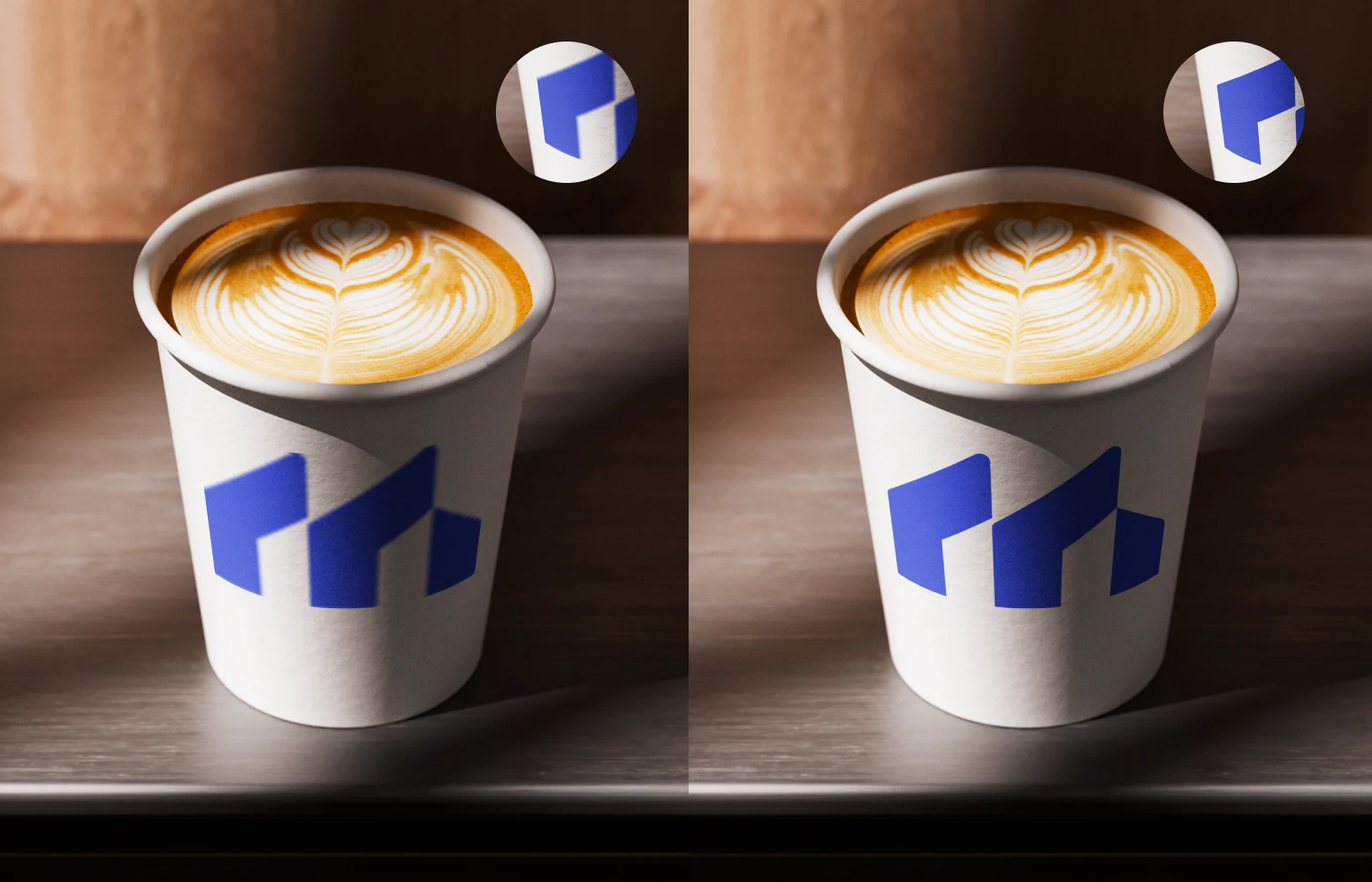
Blurry mockup? Fix soft, pixelated designs in Photoshop by checking artwork size, smart object resolution, placement and export settings, step by step.
Tutorials8 min read
How to make a mockup in Photoshop with a PSD template: find the smart object, replace the design, change colors, fix blurry results and export it.