Guides5 min read
What Is a Mockup? (And Why Clients Approve Designs Faster)
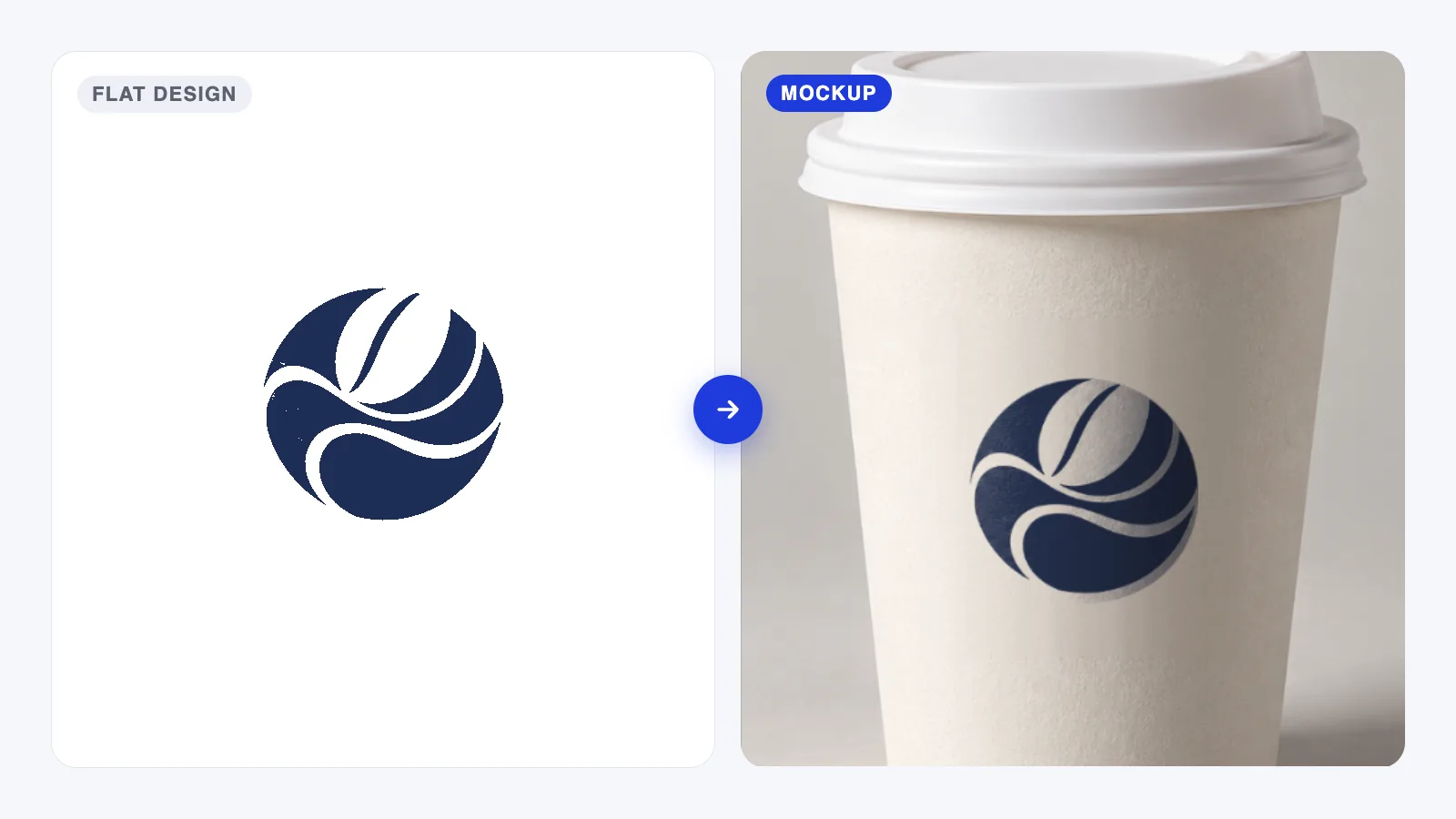
What is a mockup? A realistic preview of your design on a real product or screen. See how it differs from a wireframe and prototype, and when to use one.
New to mockups? These answer the questions people ask first.
Guides5 min read
What is a mockup? A realistic preview of your design on a real product or screen. See how it differs from a wireframe and prototype, and when to use one.
Tutorials5 min read
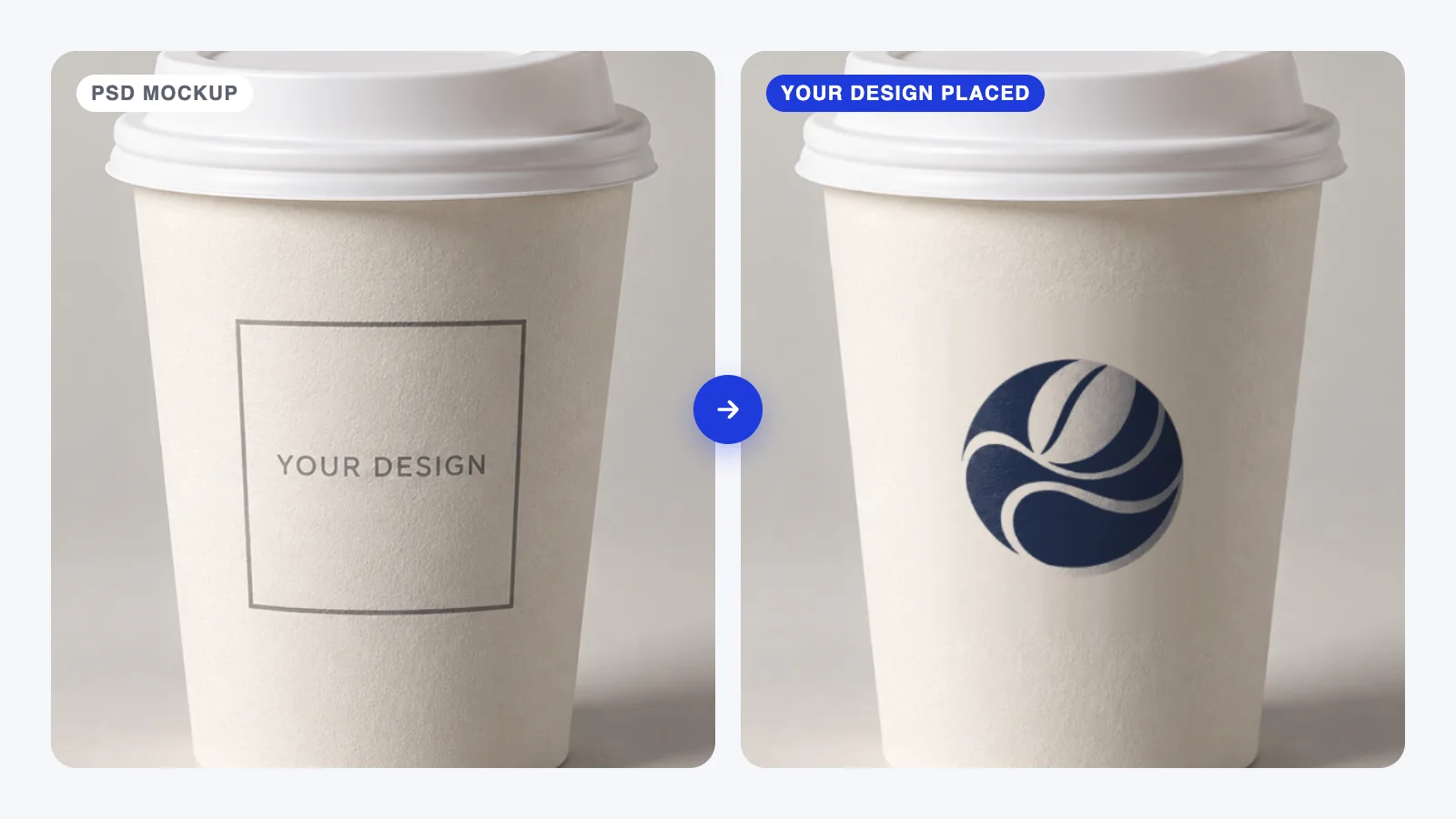
How to use a PSD mockup in Photoshop: find the smart object, place your design, fix blurry artwork and export a clean version for your client.
Branding4 min read
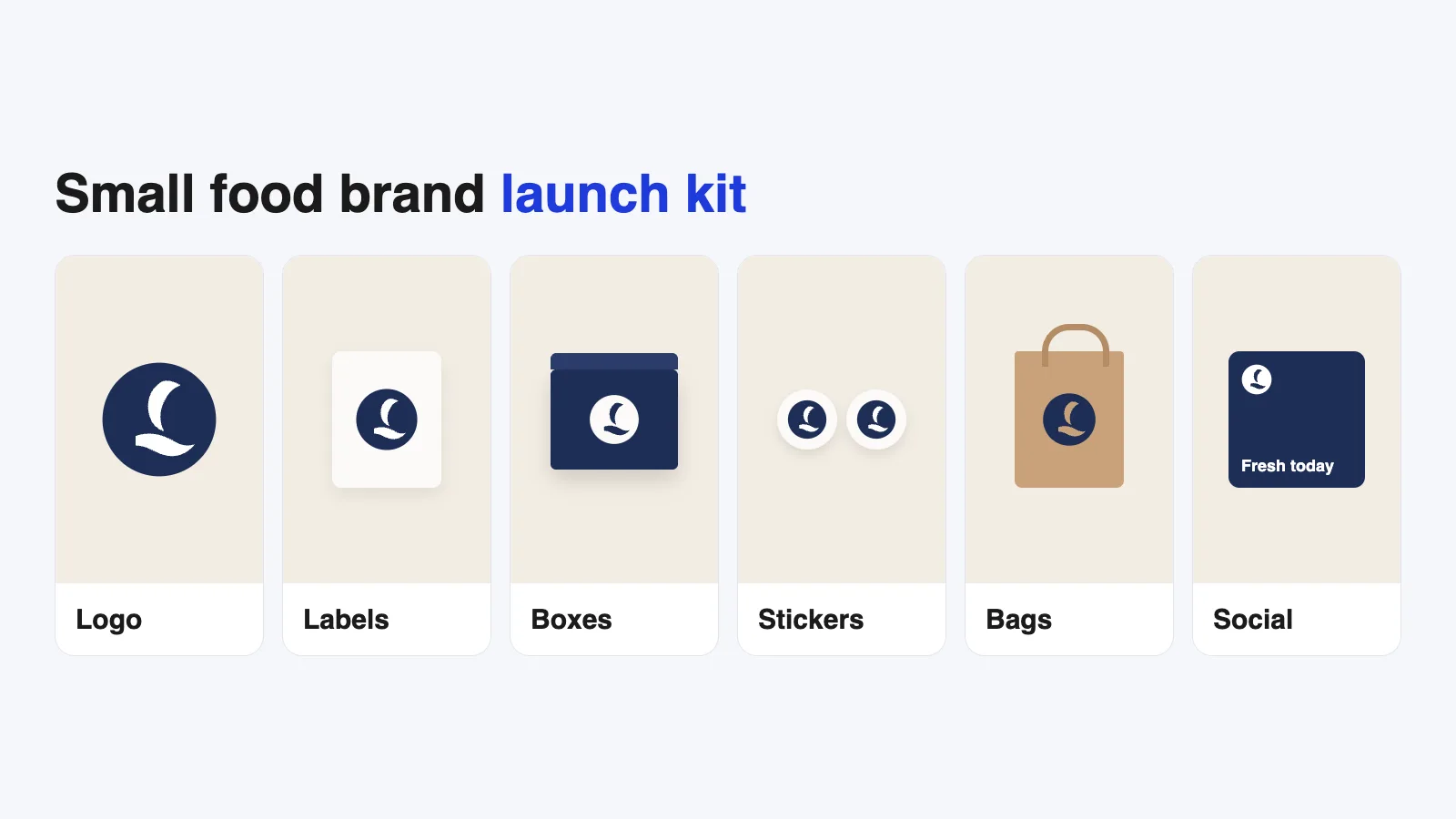
Food business branding checklist for bakeries, cafés and dessert brands: logo, labels, packaging, stickers and social templates, and how to test them first.
Tools4 min read
Open PSD without Photoshop: how Photopea, GIMP and Affinity handle PSD mockups and smart objects, what each does well, and which free editor to choose.
Tutorials4 min read
Make your own mockup from a product photo: shoot it on your phone, build a displacement map, set up a smart object and save a reusable Photoshop template.
Tools4 min read
Best software for mockups: Photoshop, Figma and Canva compared on realism, learning curve, cost and file types, with clear picks for each type of user.
Tutorials4 min read
Mockup export sizes for Instagram, Behance and Dribbble: dimensions and formats to use, cropping without losing the design, and Photoshop export settings.
Branding4 min read
Use a packaging mockup to test your design before printing: readability, colors on kraft or black, folds and the back panel, plus when to order a proof.
Guides4 min read
Mockup mistakes that make good designs look cheap: flat pasted logos, wrong scale, mismatched light, overused scenes and low resolution, and how to fix them.
01
Steps are written with Photoshop, Figma or Canva open, using real menu names and real export settings, not vague tips.
02
When we recommend a mockup, we say whether it's free for commercial work, personal use only or paid, and link to the creator's own page.
03
Software changes. We revisit guides when menus, prices or features move, and show the update date on every article.