How to Test Your Packaging Design Before You Print
Use a packaging mockup to test your design before printing: readability, colors on kraft or black, folds and the back panel, plus when to order a proof.
By Mockova Team4 min read
Picture it: 1,000 printed coffee bags arrive, and the roast date sits right on the fold where nobody can read it. Or the beautiful pale yellow label you chose turns muddy brown on kraft paper.
Printing packaging is expensive, and mistakes come in bulk. A packaging mockup won’t catch everything, but it catches a surprising amount before you spend a cent on printing.
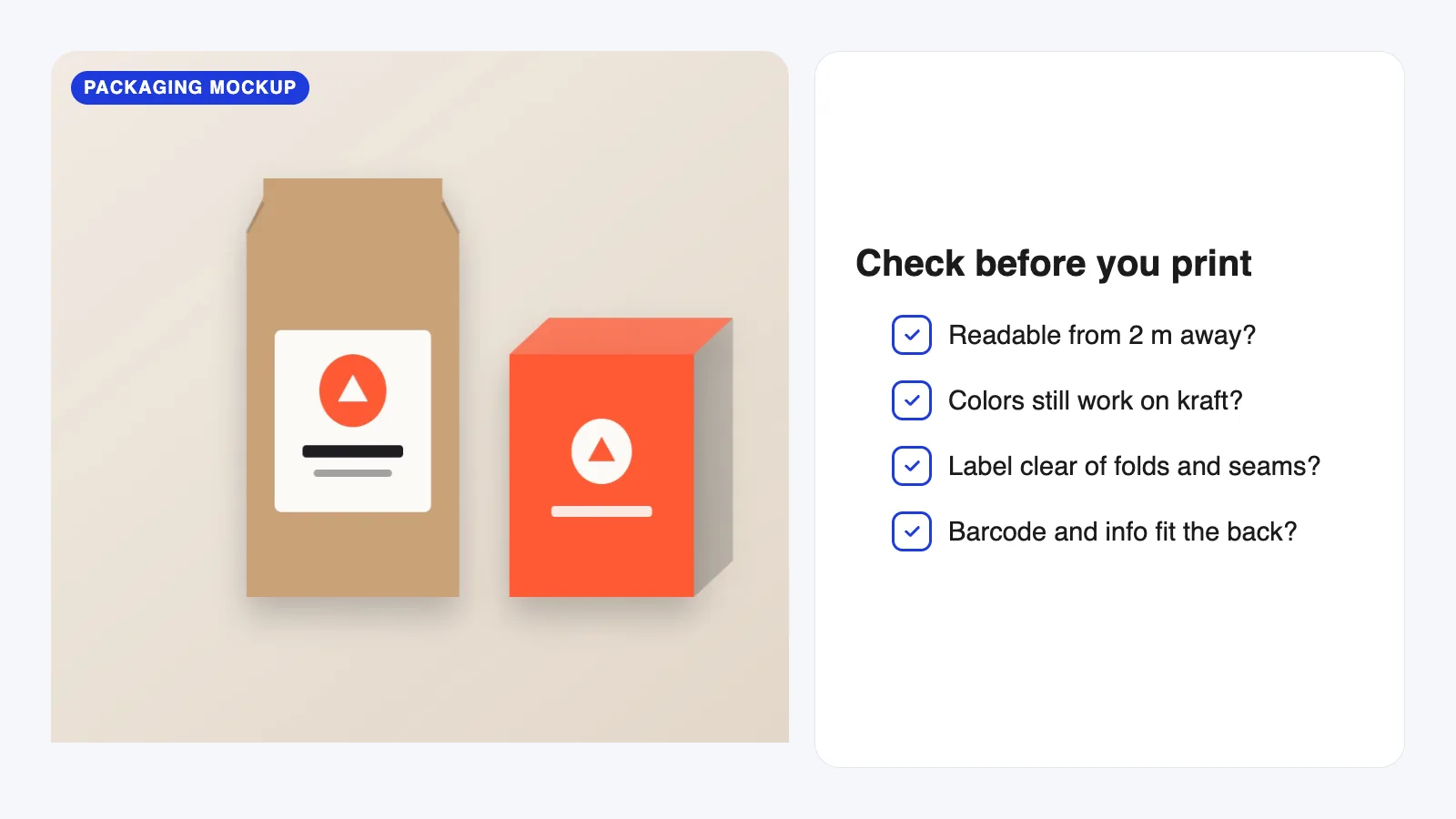
Quick answer: Put your design on a packaging mockup that matches your real product and material, then check five things: can you read it from a distance, do the colors still work on the material, is anything important near a fold or seam, does the back panel fit all the required information, and does it look right next to competitors? Then order a printed proof before the full run.
Use a mockup that matches your real packaging
This is the step that makes everything else useful. Test on the packaging you’ll actually order:
- Kraft bag? Use a kraft mockup, not a white one.
- Matte black box? Use a matte black mockup.
- Sticker label on a stock pouch? Use a mockup with a separate label area.
A white mockup flatters almost any design. Your real material might not Our guide to choosing the right mockup covers how to pick one that matches.
Check 1: Can you read it from a distance?
Shoppers see packaging from across a shelf before they pick it up. Zoom your mockup out until the package is about the size it would appear from two meters away. Can you still read the brand name and what’s inside?
If not, the type is too small or too thin, or there’s too little contrast. Simplify the front: one main message, the name, and the product type.
Check 2: Do the colors survive the material?
Material changes color more than most people expect:
- Kraft and uncoated paper absorb ink, so light and bright colors look softer and darker.
- Black packaging swallows dark logos and fine lines.
- Metallic and glossy surfaces reflect light and can hide thin text.
On a mockup this is really easy to spot. If a color disappears, increase the contrast, add a white base layer under the color (ask your printer if they offer it), or use a light label on dark packaging.
Check 3: Is anything near a fold, seam or edge?
Bags have folds at the top and gussets at the sides. Boxes have creases and glue flaps. Bottles curve away from you. Anything important near these areas can get hidden, bent or cut off.
Keep text and logos well inside the printable area, and check your printer’s dieline for the safe zone. On the mockup, look at the edges: is anything cramped or about to disappear around a corner?
Check 4: Does the back panel fit?
The back of a package is where small businesses get caught out. Depending on your product and where you sell, you may need ingredients, allergens, weight, a barcode, contact details and other required information. Check what applies to your product with your local rules or your printer.
Put real text on the back of the mockup, not placeholder lines. You’ll quickly see if the font has to shrink too much to fit.
Check 5: How does it look next to competitors?
Place your mockup next to photos of products you’d sit beside on a shelf or in an online store. Does yours stand out, or blend in? Does it look like it belongs in the same price range?
This takes five minutes and often leads to the most usefull changes.
Mockups can’t replace a printed proof
A mockup shows layout, readability and general color behavior. It can’t show the exact ink color your printer produces, how a finish like soft-touch or foil feels, or how the material folds in your hands.
So use the mockup to get the design right, then order a printed proof or a small sample run before the full order. It costs a little and can save the whole print run.
A quick pre-print checklist
- Mockup matches the real material and shape.
- Name and product type readable from about 2 m.
- Colors still clear on the material.
- Nothing important near folds, seams or edges.
- Back panel fits all required info at a readable size.
- Stands out next to competitors.
- Printed proof approved.
FAQ
Can I test packaging in Canva instead of Photoshop?
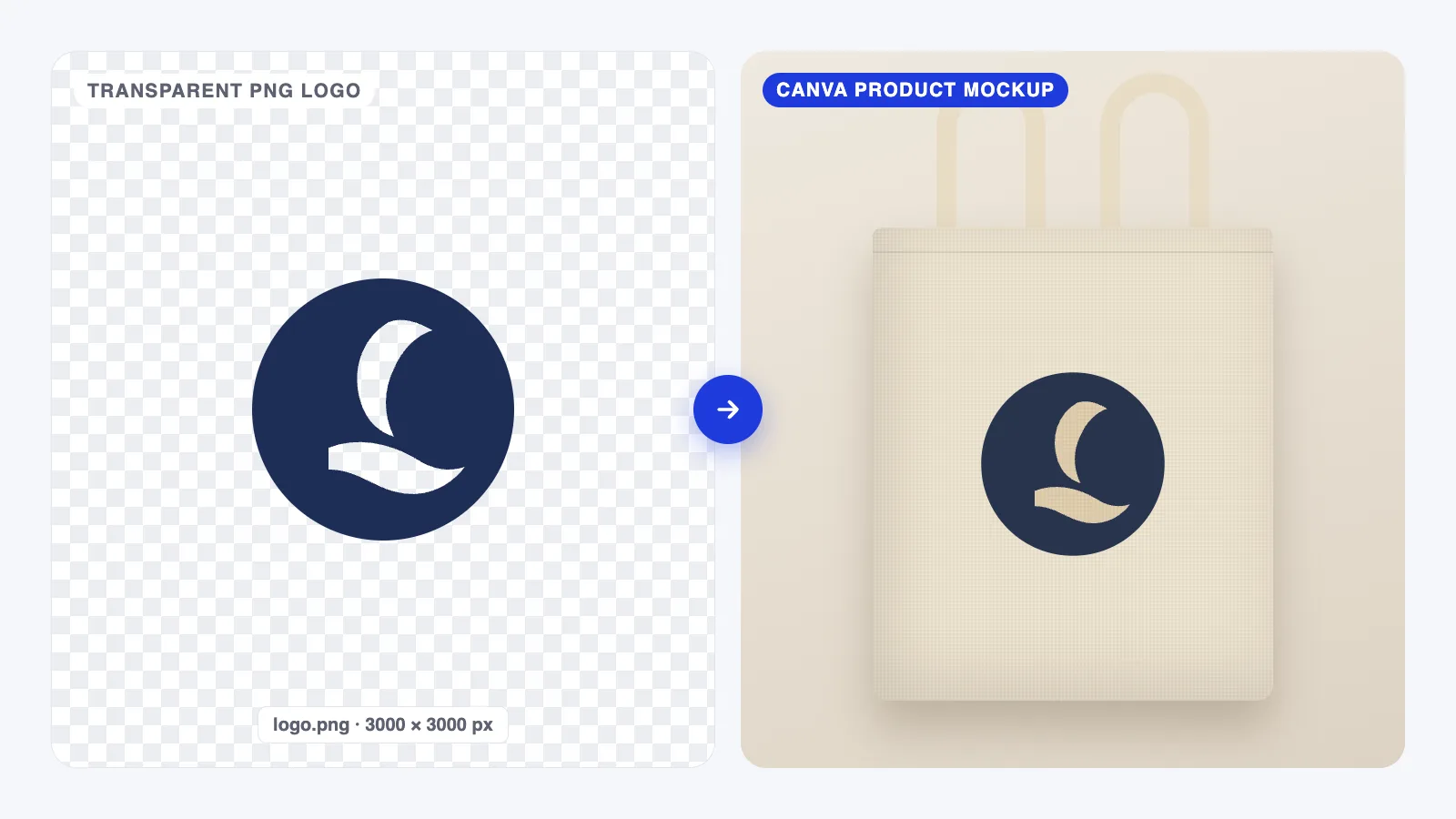
For a quick preview, yes. Canva’s mockups are fine for checking layout and readability. For realistic material, folds and lighting, a PSD packaging mockup gives a more honest result. See our guide to Canva mockups.
How do I check colors before printing?
Use a mockup in the right material for a first impression, then ask your printer for a printed proof. Screens and ink never match exactly.
Do I need a dieline before using a mockup?
It helps. A dieline shows the exact shape, folds and safe zones of your packaging. Design on the dieline first, then check the result on a mockup.
Your next step
Before you send files to your printer, put your design on a mockup in the right material and run the checklist above. If something looks off, our list of common mockup mistakes can help you tell whether it’s the design or the mockup.