How to Present a Logo to a Client Using Mockups
A logo presentation mockup guide: the slide order that works, how many mockups to show, picking scenes that match the client's business, and what to avoid.
By Mockova Team4 min read
You’ve spent two weeks on a logo. The presentation is in an hour, and you have three options: send a PDF with the logo on white, throw it onto every mockup you own, or build something in between.
The way you show a logo changes how the client feels about it. A good presentation tells a short story: here’s the mark, here’s how it behaves, here’s what it looks like in your world.
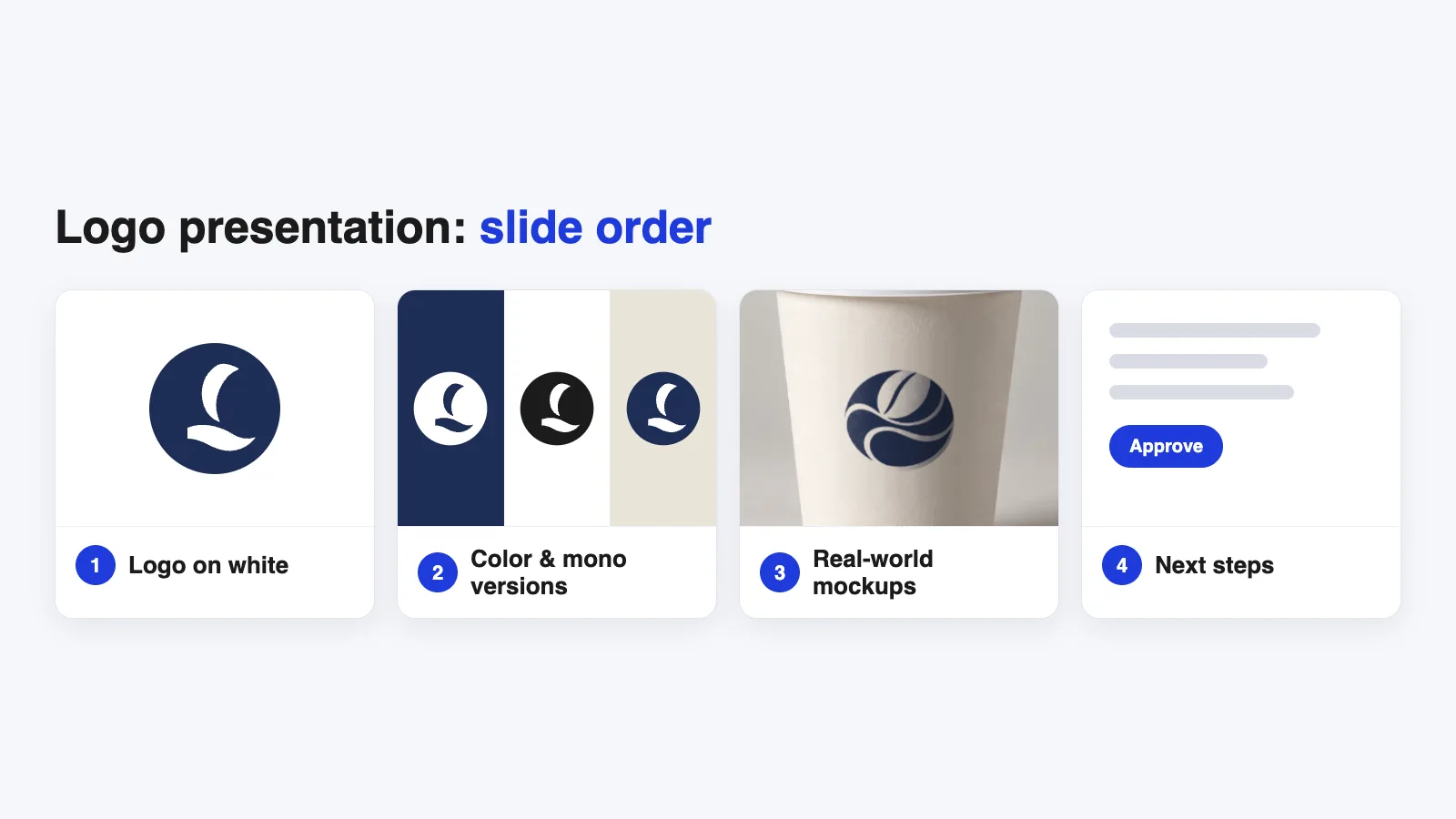
Quick answer: Present a logo in four steps: the logo alone on white, its color and one-color versions, three or four mockups that match the client’s real business, and a clear next step. Keep each slide simple, show the mockups after the client has seen the flat logo, and skip scenes that have nothing to do with their brand.
Start with the logo on its own
The first slide should be the logo on a plain white or light background, nice and large, with nothing else competing for attention.
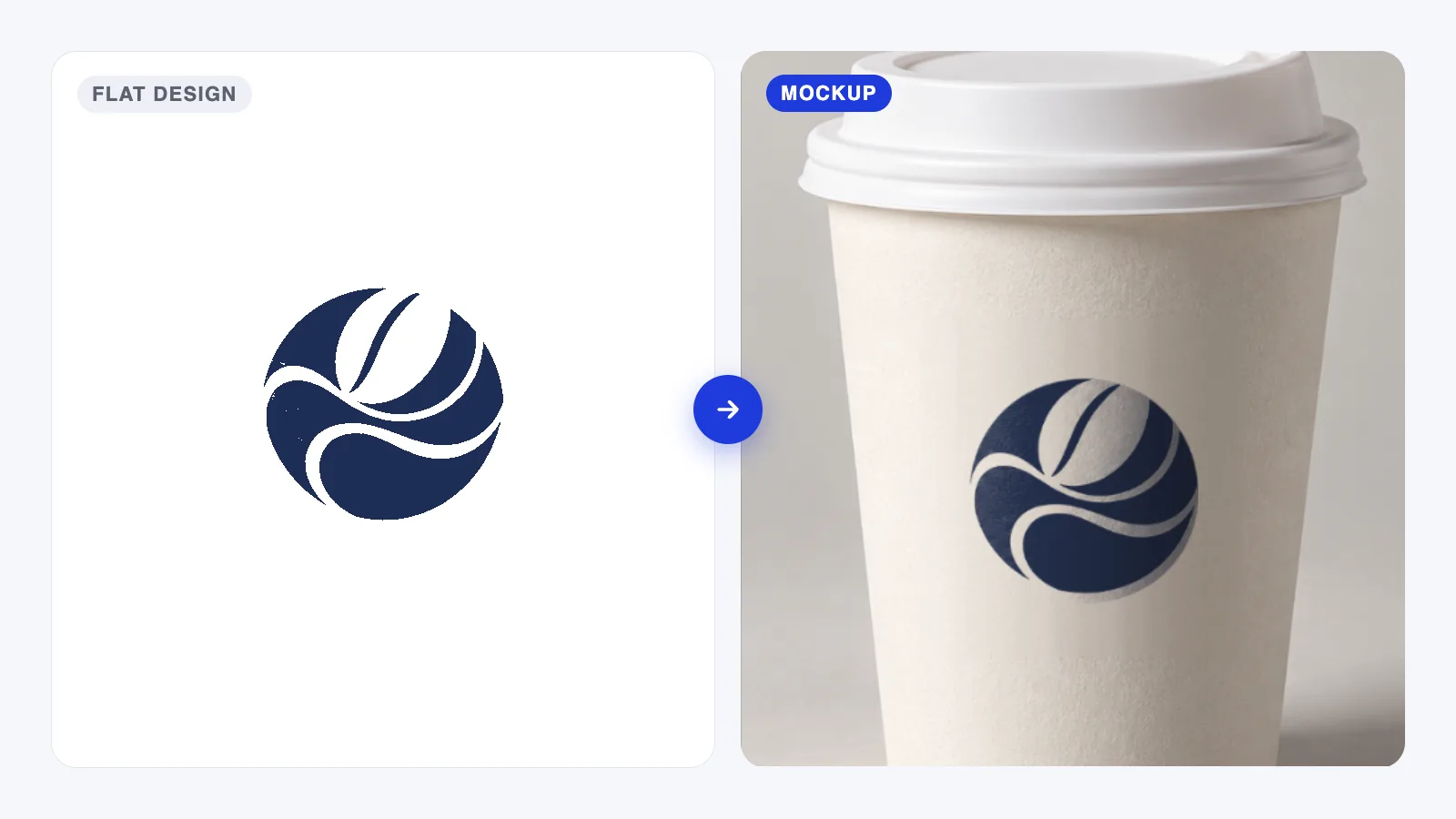
This matters because clients judge the shape first. If the first thing they see is a fancy mockup, they react to the scene: the lighting, the table, the coffee cup. Give them a moment with the mark itself before you add context.
If you’re presenting more than one concept, give each one its own title slide and keep the order identical for every concept. Consistent order makes it easier to compare options fairly .
Show how it behaves
Next, show that the logo works in real conditions:
- Full color on white and on a brand color.
- One color (black or white) for stamps, embroidery and cheap printing.
- Small size, such as a favicon or a social profile picture, to prove it stays readable.
This is the slide that answers the client’s quiet worry: will this still work when it’s tiny, or printed in one color? Answering it before they ask builds a lot of trust.
Then bring in the mockups
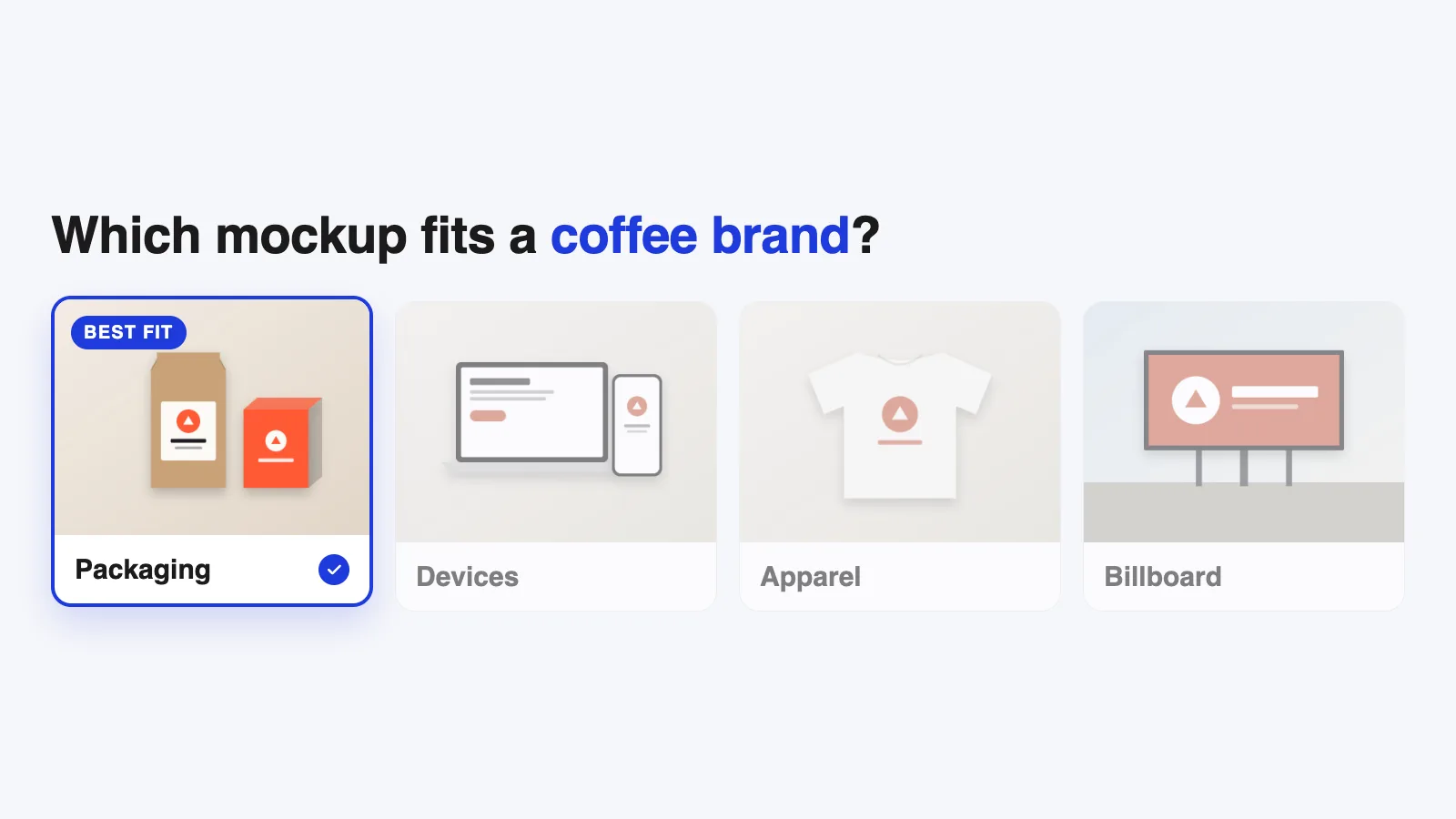
Now the mockups do their job: helping the client picture the logo in their world. Pick scenes from their actual business, not from your favorite downloads.
- Coffee shop: cups, a bag of beans, the shop sign.
- Clothing brand: a hang tag, a t-shirt, a shopping bag.
- Consultancy: a business card, a letterhead, a website header.
- App or SaaS: an app icon on a phone, a laptop screen, social profile images.
If you’re not sure which scenes fit, our guide to choosing the right mockup has a quick checklist. And if your client plans to make their own previews later, Canva mockups are an easy option to recommend.
How many mockups is too many?
Three or four strong mockups per concept is usually right. Five at the most, honestly.
More than that starts to feel like filler, and it can make a client focus on small things like a background they don’t like, instead of the logo. One great scene that fits their business does more than six generic ones.
Make the mockups feel consistent
A presentation looks more professional when the mockups feel related:
- Similar lighting and color temperature (all warm, or all neutral).
- Similar level of realism. Don’t mix flat illustrations with dark moody photos.
- The same logo version where it makes sense, so the client isn’t comparing colors and scenes at the same time.
If your mockups come from different creators, adjust background colors so they sit together on the page.
End with a clear next step
The last slide should make it easy to move forward. A short list works:
- Which concept do you prefer?
- Any changes you’d like to see?
- What happens next: refinements, the final files, the brand guide.
Clients relax when they know what happens after they say yes
Mistakes to avoid
- Leading with mockups. Show the flat logo first.
- Mismatched scenes. A billboard for a home bakery feels odd.
- Too many options. Two or three concepts are plenty. Ten concepts make choosing hard.
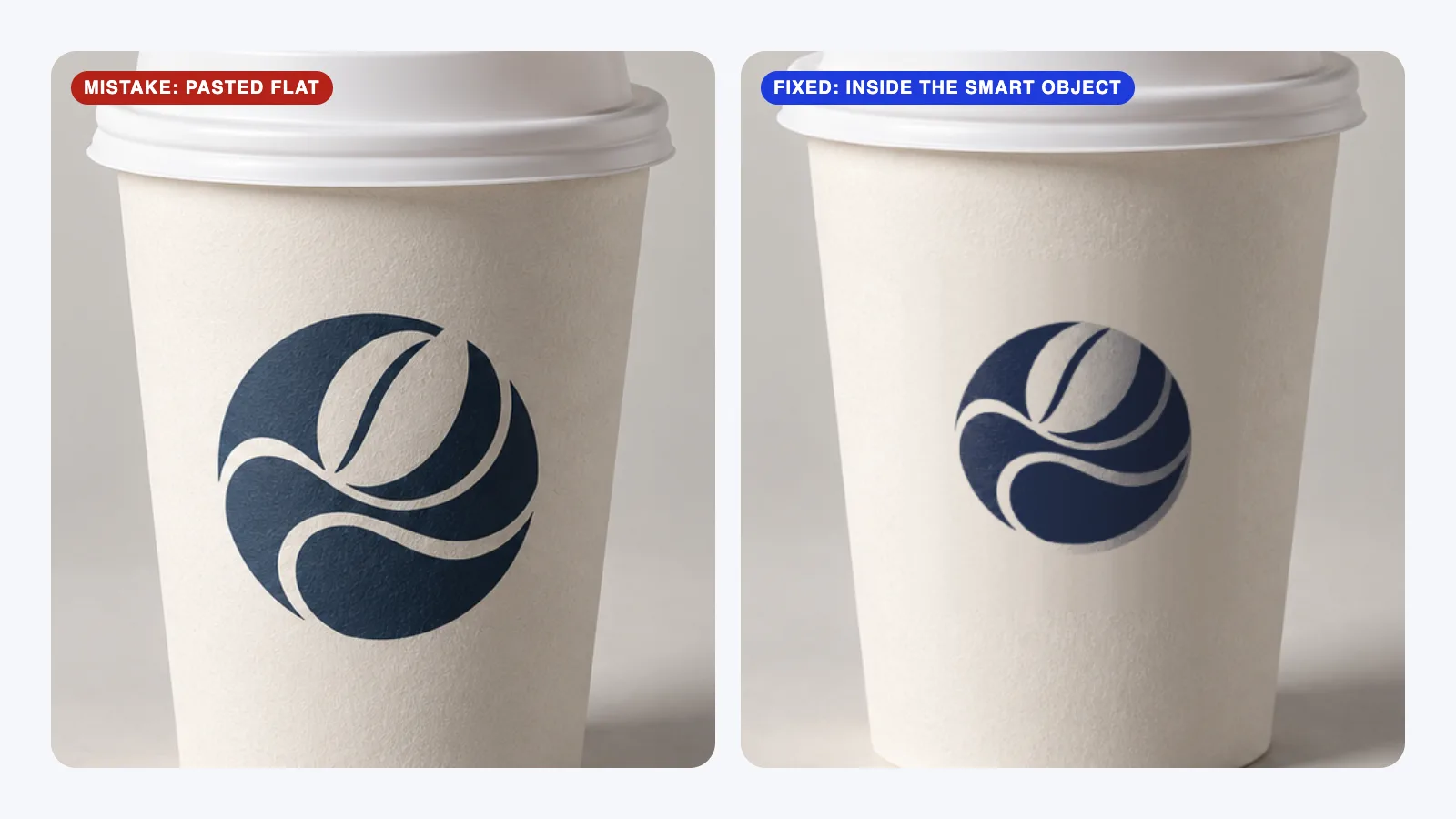
- Low-resolution mockups. A blurry scene makes the logo look blurry too.
- Placeholder text. Replace the dummy Latin filler text on business cards and letterheads with realistic copy.
FAQ
Should I send the presentation or present it live?
Present it live if you can, even on a video call. You can explain your thinking and answer questions as they come up. Send the PDF afterwards so they can review it.
Should every concept get the same mockups?
Yes, if you’re presenting several concepts side by side. Using the same scenes makes the comparison about the logos, not the backgrounds.
Can I use free mockups in a client presentation?
Yes, if the license allows commercial use. Many free mockups are personal use only, so check the creator’s license before using one in client work.
What file should I send the client?
A PDF for the presentation. Send the final logo files (vector and PNG versions) only after they’ve approved a direction.
Your next step
Before your next presentation, write down where the client’s customers will first see the logo. Pick your three or four mockups from that list. If mockups are new to you, start with what a mockup is and why clients approve designs faster.