Free vs Premium Mockups: What You Actually Get
Free vs premium mockups compared: resolution, scenes, layers, licensing and support, plus when a free mockup is genuinely enough and when paying is worth it.
By Mockova Team5 min read
There are thousands of free mockups out there, and plenty of them look great in the preview. So why would anyone pay $15 or $40 for one?
Sometimes they shouldn’t. A free mockup is often exactly enough But there are a few situations where a premium file saves time, avoids a licensing headache or simply makes the work look better, and it helps to know which is which before you start a project.
Quick answer: Free mockups are fine for practice, portfolio pieces and quick client previews, as long as the resolution is high and the license allows your use. Premium mockups are worth it when you need several matching angles, very high resolution, realistic detail like texture and shadows, or a clear commercial license for client work and product listings.
What free mockups do well
The best free mockups are genuinely good. Many come from creators who give away one scene to show off their style, then sell the rest of a set.
Free mockups usually work well when:
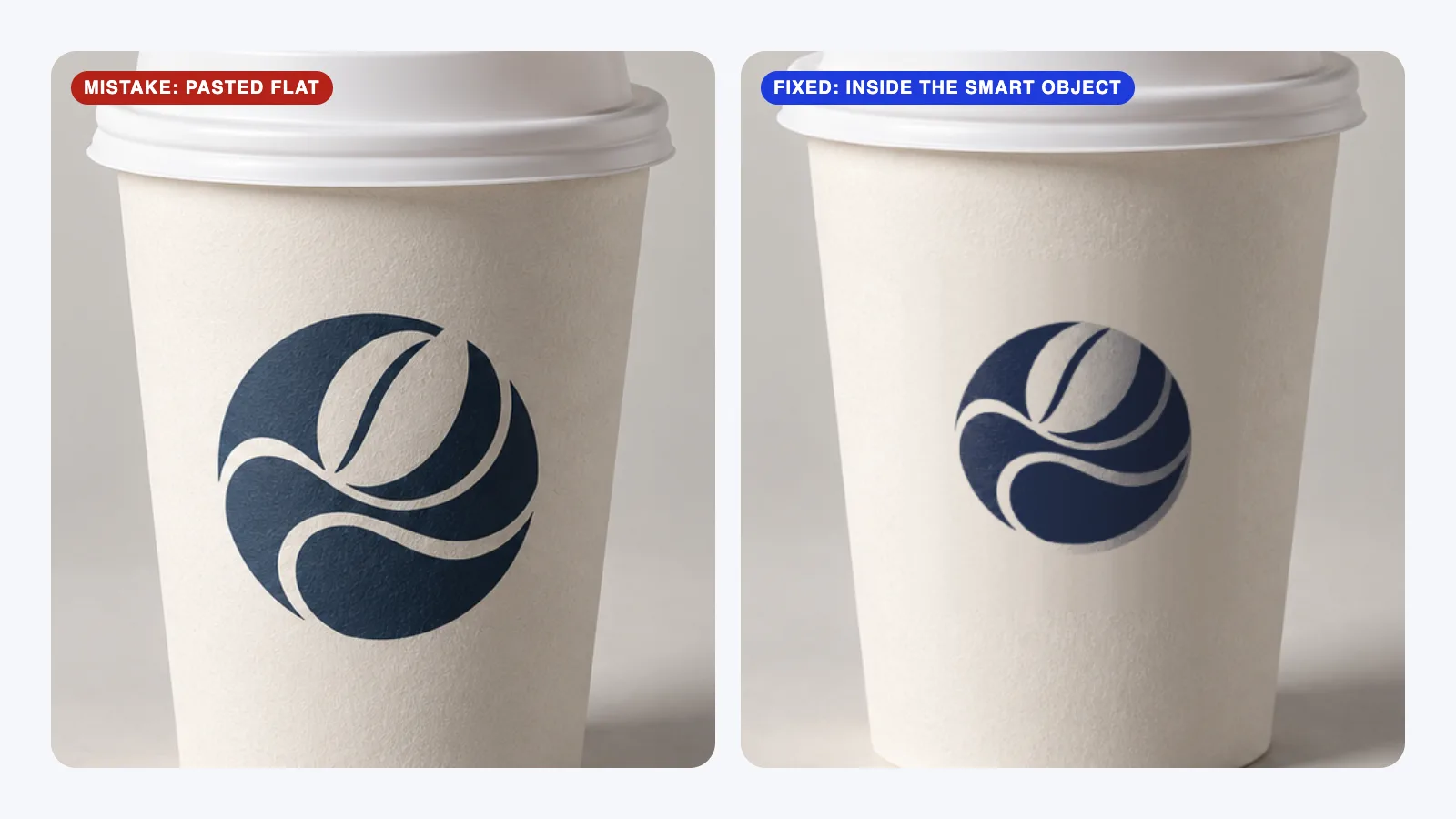
- You’re learning. Practicing smart objects and color layers costs nothing.
- You need one quick scene. A single cup, card or phone for an early concept round.
- It’s for your portfolio. Plenty of free licenses allow portfolio use, even for client designs.
- The client just needs to picture it. An early preview doesn’t need to be perfect.
Where free mockups fall short
The limits show up as projects get more serious:
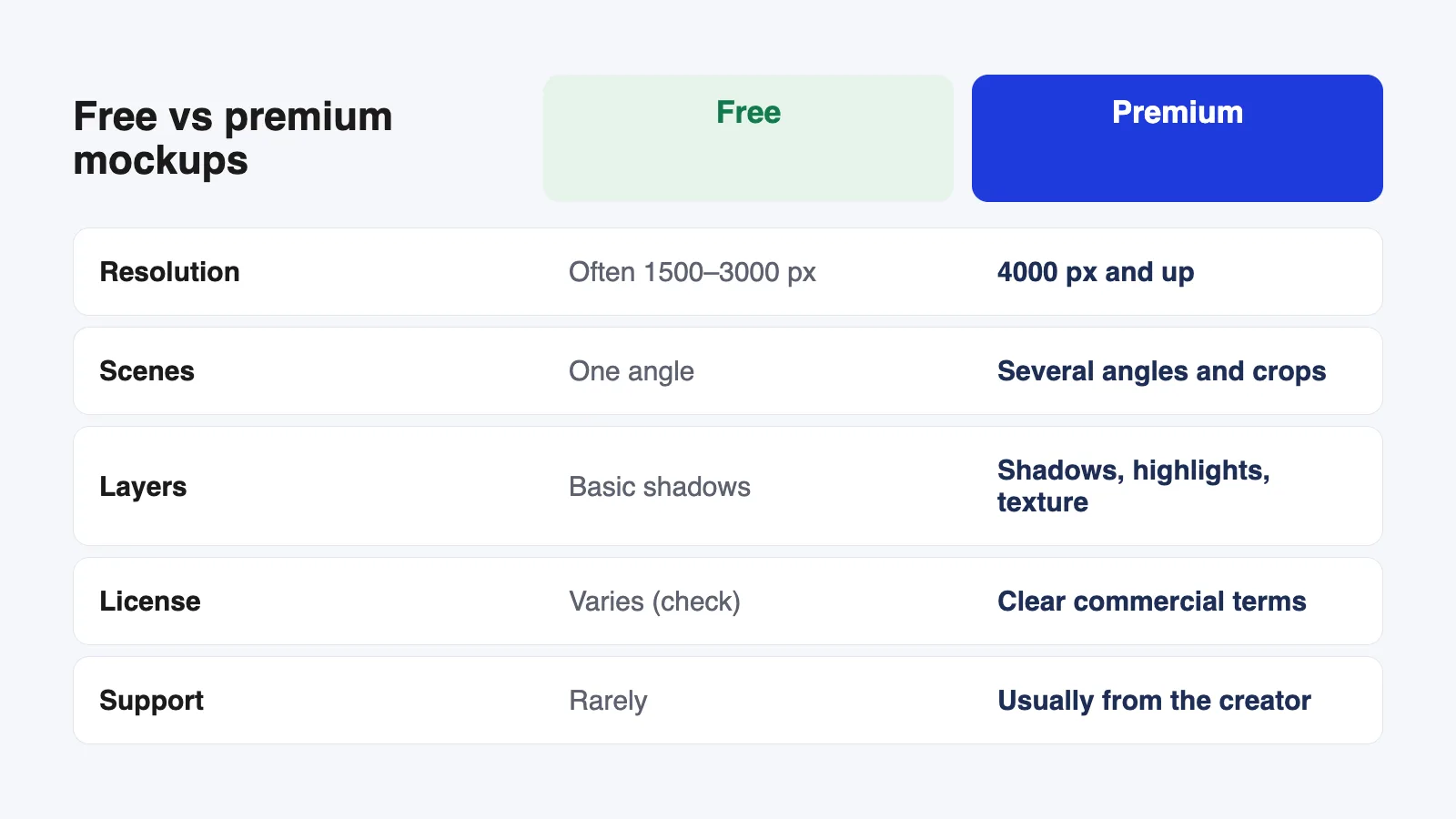
- Resolution. Many free files are 1500–3000 px wide. That’s fine on a slide, but soft when someone zooms in or you crop for a close-up.
- One angle only. You get the front view, but not the side, the top or a close-up in the same style.
- Fewer layers. Shadows and highlights are often baked into the photo, so you can’t adjust them when your design looks too dark or too bright.
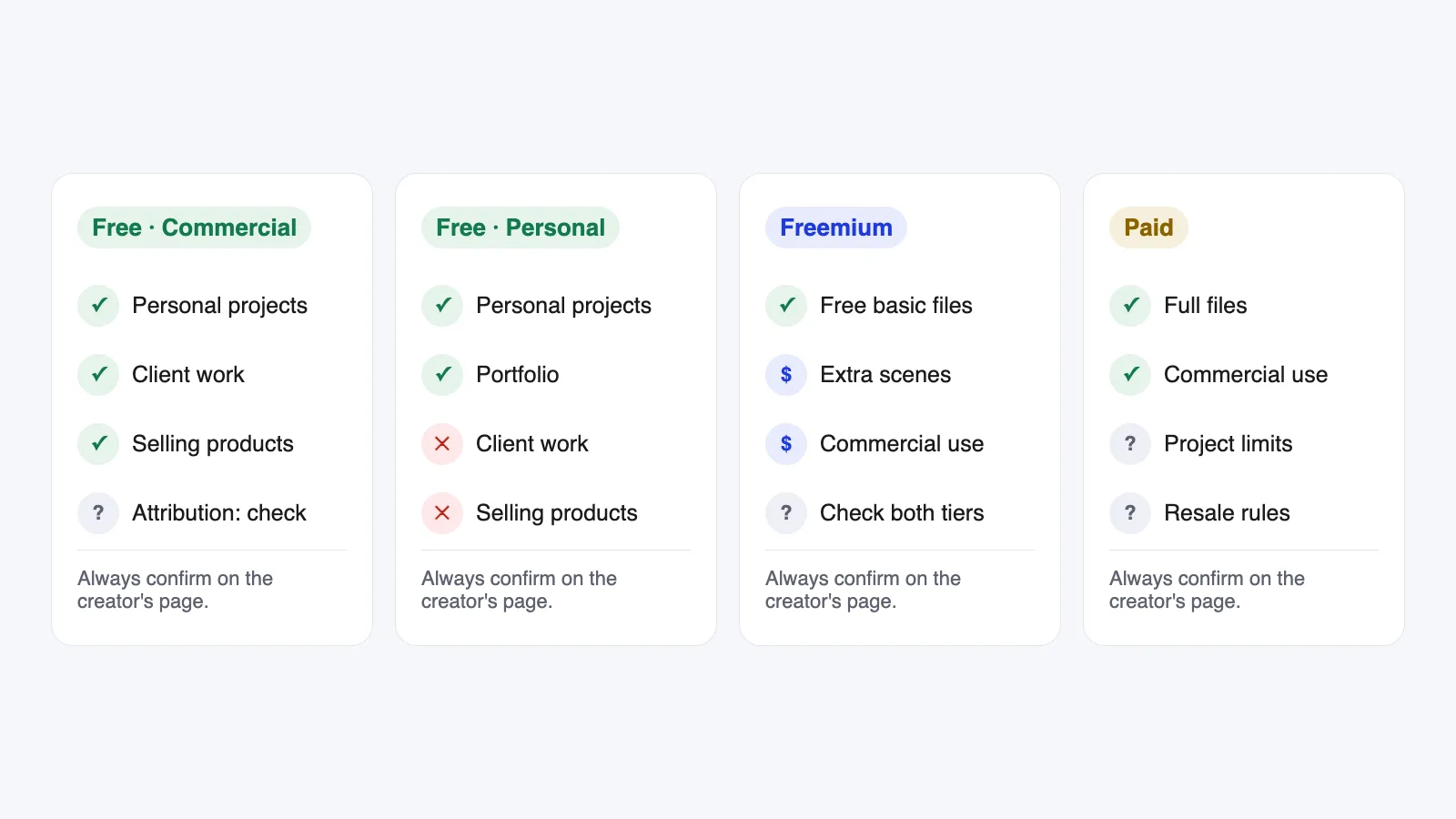
- Unclear licenses. Some free mockups are personal use only, some need credit, and some don’t say much at all. Our guide to mockup licenses explains what to look for.
What premium mockups add
Higher resolution. Premium files are usually 4000 px wide or more, so you can crop tightly for social posts and still keep detail.
Matching sets. Several scenes shot with the same light and style: front, side, close-up and lifestyle. That’s what makes a presentation look consistent instead of stitched together.
Better layers. Separate shadow, highlight and texture layers, editable product colors and sometimes extra props you can switch on and off.
Clearer licensing. Most paid mockups come with written commercial terms. Many marketplaces offer a standard license and an extended one for things like product listings or merchandise.
Support. If a smart object is broken or a layer is confusing, you can usually ask the creator. Free files rarely come with that.
When free is genuinely enough
I’d stick with free when all of these are true:
- The mockup is at least 2000 px wide, or the final image will be small.
- You only need one or two scenes.
- The license clearly allows your use, whether that’s portfolio, client work or selling products.
- The shadows and highlights already look right with your design.
If all four are true, paying wont change much. Spend the time on the design instead.
When premium is worth paying for
Pay for a premium mockup when:
- It’s a paid client project and you’ll show several scenes. Consistency is worth more than the price of the file.
- You sell products with the images (Etsy, Shopify, print-on-demand) and need a license that clearly covers product listings.
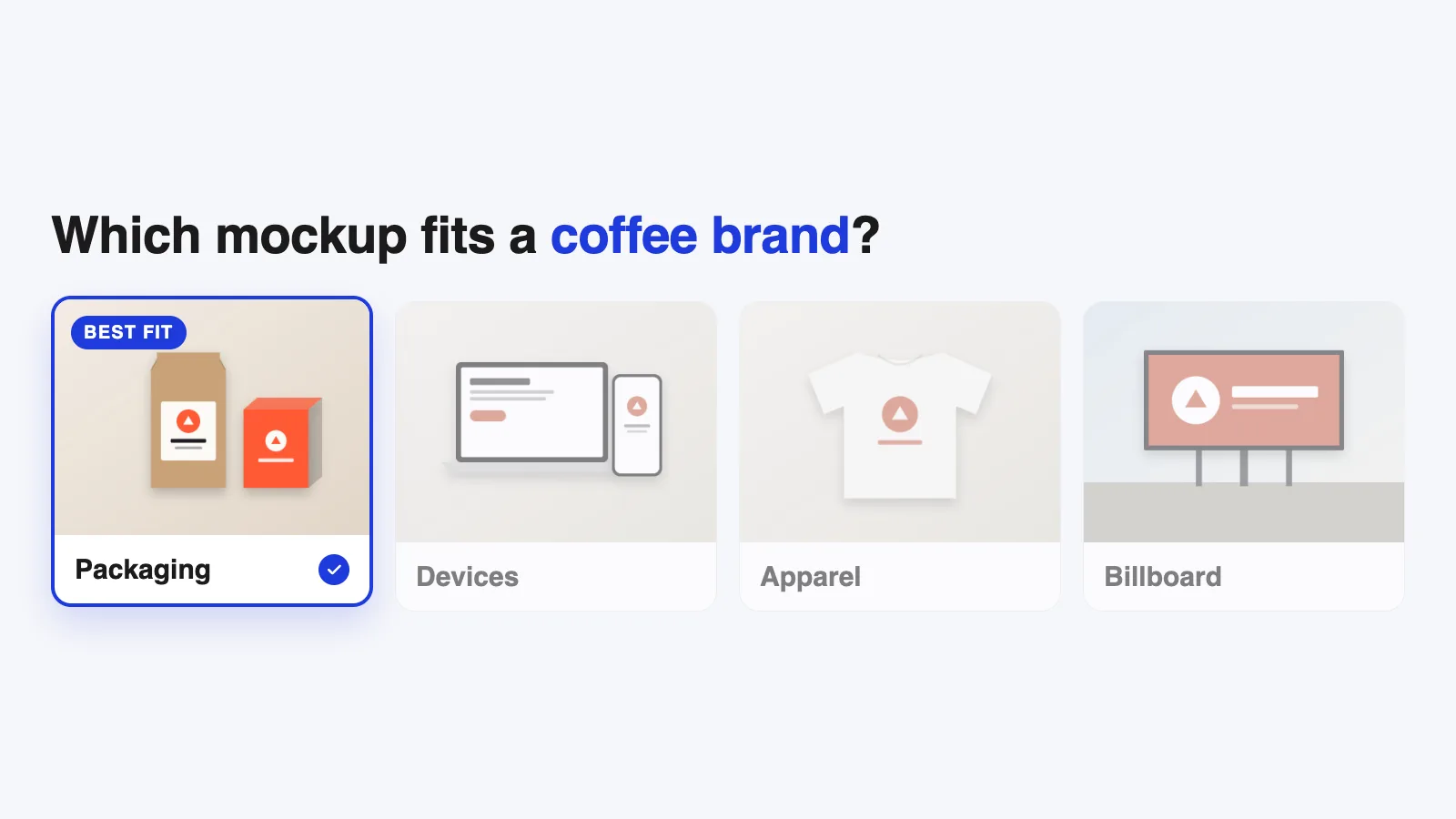
- Detail matters, like packaging, apparel or anything a customer will zoom into.
- You’ll reuse it. A good set of stationery or device mockups can serve dozens of projects, and the cost per project drops fast.
One habit that helps: try the free version of a freemium set first. If the free scene works well with your design, the paid set usually will too.
Questions to ask before you pay
Before buying, check:
- What’s the full resolution, and how big is the design area?
- How many scenes are included, and do they match?
- Which layers can you edit?
- Does the license cover your use, including client work, product listings or ads?
- Is it a PSD, a Figma file or a Canva template, and do you use that tool?
If the product page doesn’t answer these, that tells you something to.
FAQ
Are free mockups lower quality?
Not always. Some free mockups are excellent. The difference is usually in resolution, the number of scenes, editable layers and licensing, not in how good the single free scene looks.
Can I use a free mockup for client work?
Only if its license allows commercial use. Many do, but many are personal use only. Check the creator’s own page before using it in a paid project.
How much do premium mockups cost?
It varies a lot by creator and marketplace, from a few dollars for a single scene to more for large sets or subscriptions. Compare what’s included rather than the price alone.
Is a mockup subscription worth it?
If you make mockups every week, it can be. If you only need one or two a month, buying individual files is usually cheaper.
Your next step
Look at the next project you’re working on and decide what it really needs: one scene or a set, a portfolio image or a client deliverable. Then use our guide to choosing the right mockup to pick one that fits, free or paid.