Free T-Shirt Mockups: 8 PSD Files for Clothing Brands
Free t-shirt mockup PSDs for clothing brands: flat lay, hanging, folded and worn tees, black and white shirt tips, and online generators to try.
By Davut TekinUpdated 7 min read
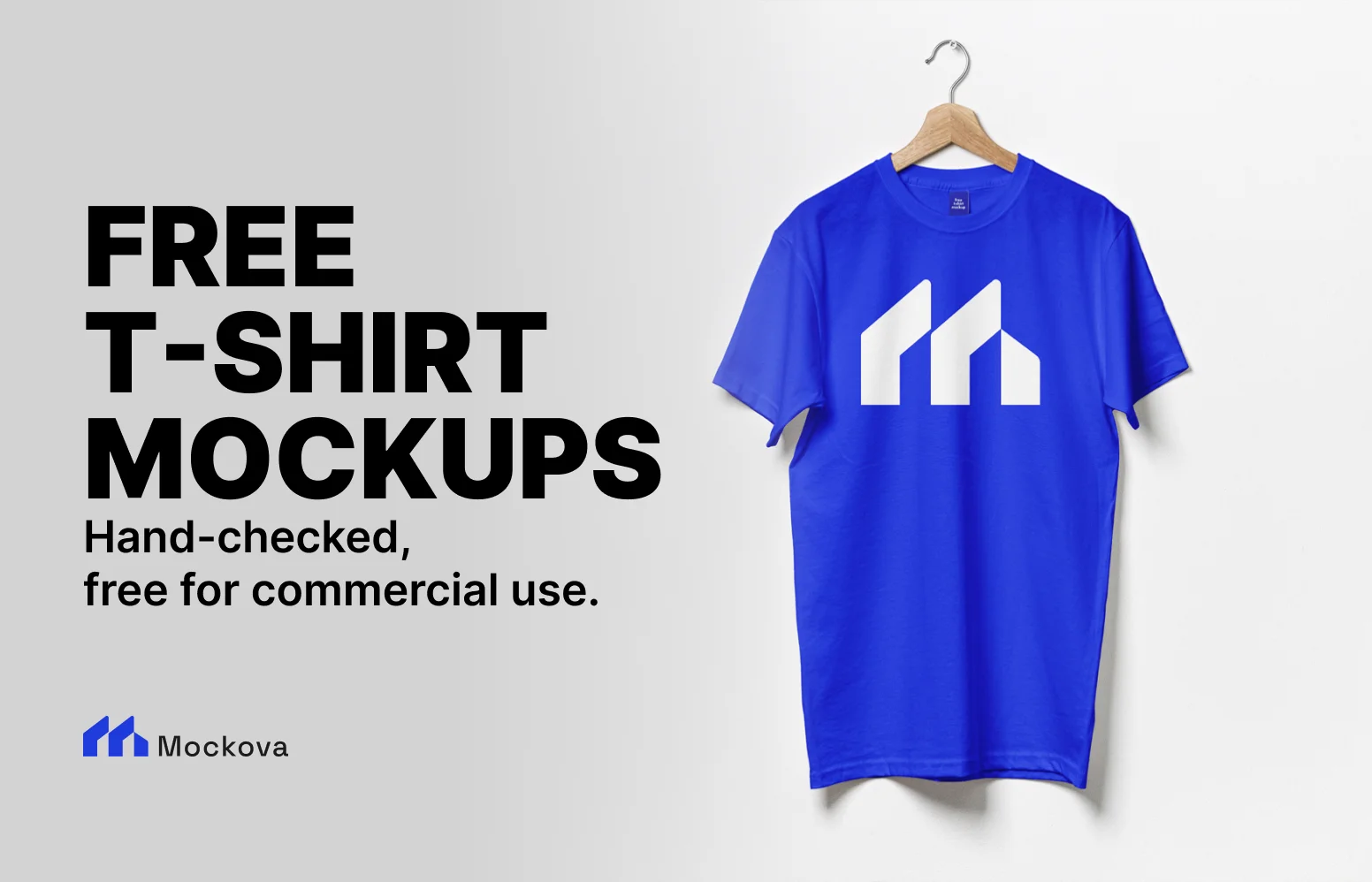
A good t-shirt mockup can make a simple design look like a real brand. A bad one makes a great design look like a sticker on a photo.
We looked for free t-shirt mockups that are well made, link to the creator’s own page, and were listed as free for commercial use at the time of writing. Licenses can change, and selling products with a mockup is a specific use, so always check the page before using one in your shop.
Quick answer: For flexible, free t-shirt mockups, start with Mockups Design’s free t-shirt, flat t-shirt and hanging t-shirt PSDs, which are listed as free for commercial use with no attribution required. For a polo shirt, PsFiles has a free layered PSD. Check each license for product listing use before selling.
How to use these picks
Start with the product and view you need. Confirm the current file contents, resolution and license on the linked source before downloading.
How we picked
- Free for commercial use on the creator’s own page at the time of writing.
- Linked to the original creator, not a re-upload site.
- Smart objects for easy design placement.
- Different scenes: flat lay, folded, hanging, worn and cropped.
1. Free t-shirt mockup (Mockups Design)
Two PSD files with a clean, front-facing tee, a solid all-rounder for showing a chest print clearly! The shirt color is editable, so you can show a whole color range from one file. The page lists it as free for commercial use with no attribution required.
Good for: first images in shop listings. Watch out for: keep the print at a realistic size for the shirt.
2. Flat t-shirt mockup (Mockups Design)
Three PSD scenes of a t-shirt laid flat. Flat lays are the clearest way to show a full design, especially larger back or front prints. It’s listed as free for commercial use, no attribution needed.
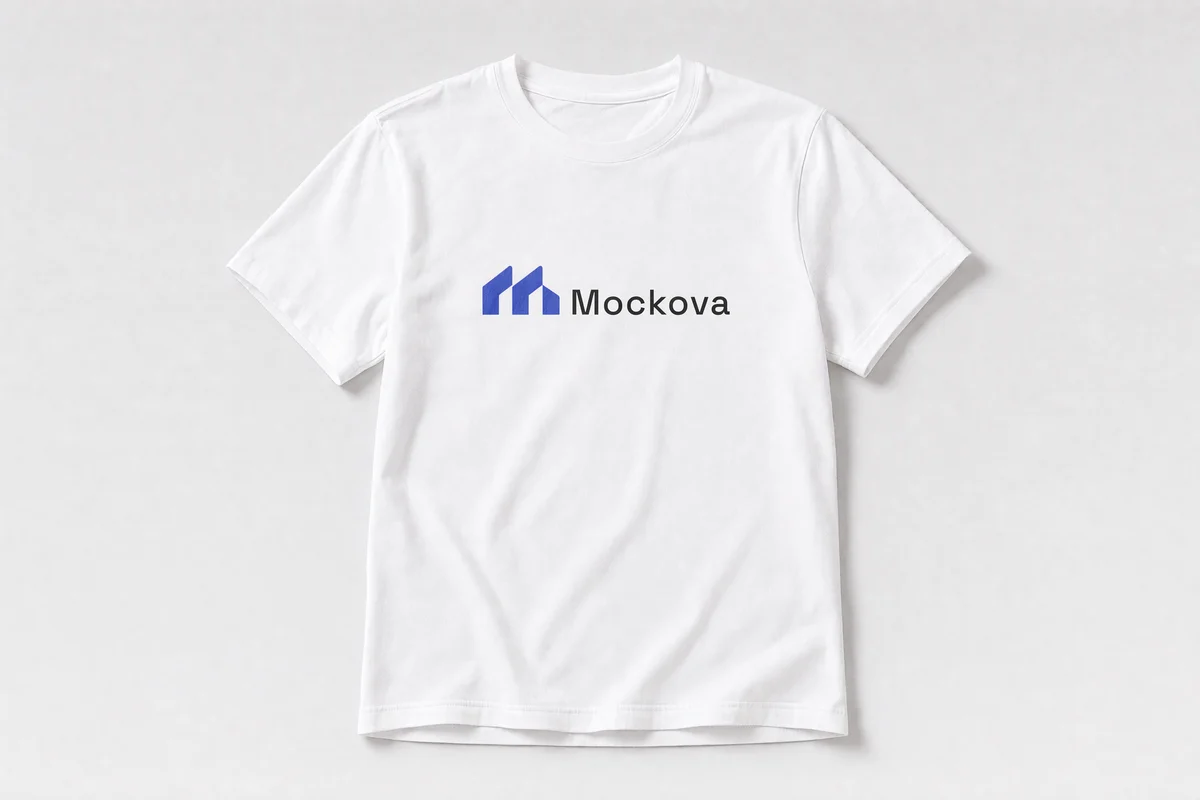
Example flat lay scene made by Mockova, not the creator’s file.
Good for: showing the whole design at once. Watch out for: flat lays show fewer folds, so add a worn or hanging scene for realism.
3. Free hanging t-shirt mockup (Mockups Design)
A single PSD of a tee on a hanger. Hanging shots feel like a shop rail, which is great for a second listing image or a “new drop” social post. Free for commercial use per the creator’s page.
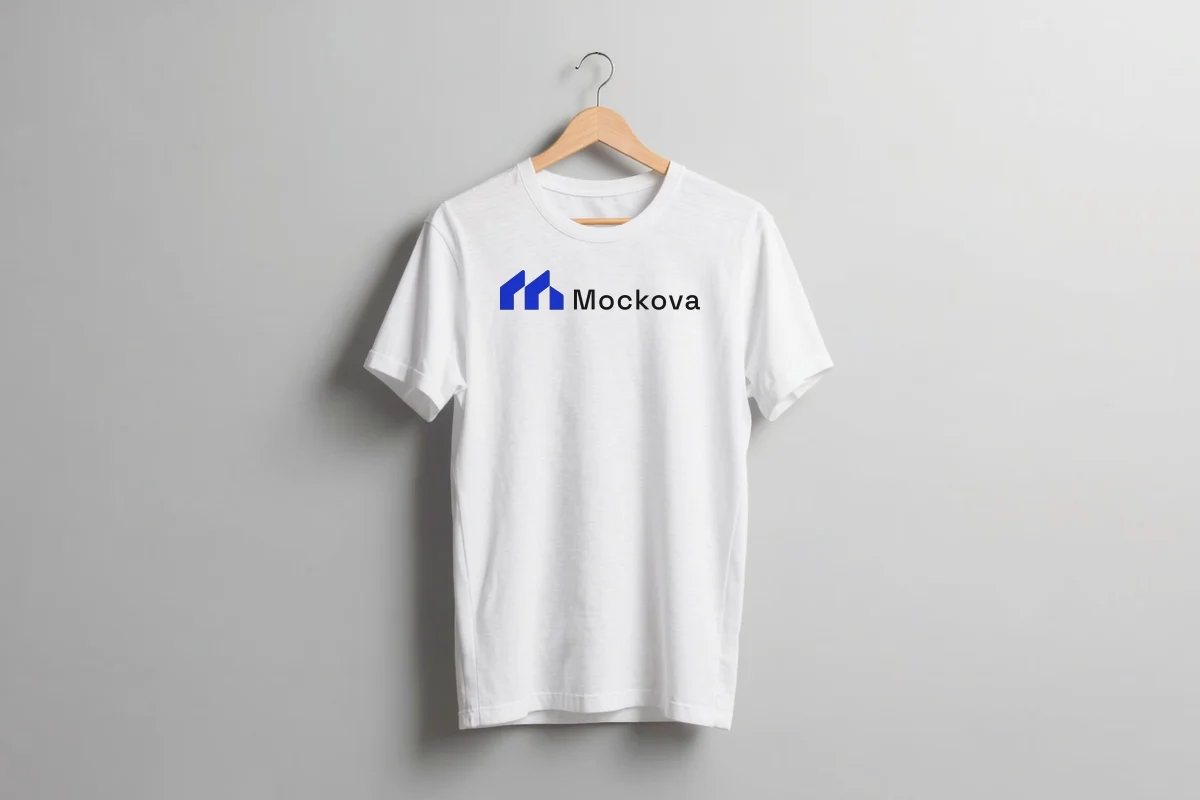
Example hanging scene made by Mockova, not the creator’s file.
Good for: lifestyle and launch images. Watch out for: the hanger and background add context, so make sure they suit your brand’s style.
4. Men’s t-shirt mockup (Mockups Design)
A single-PSD scene of a t-shirt being worn. Worn mockups help shoppers judge fit and how the print sits on the body, which flat images can’t show. It’s listed as free for commercial use.
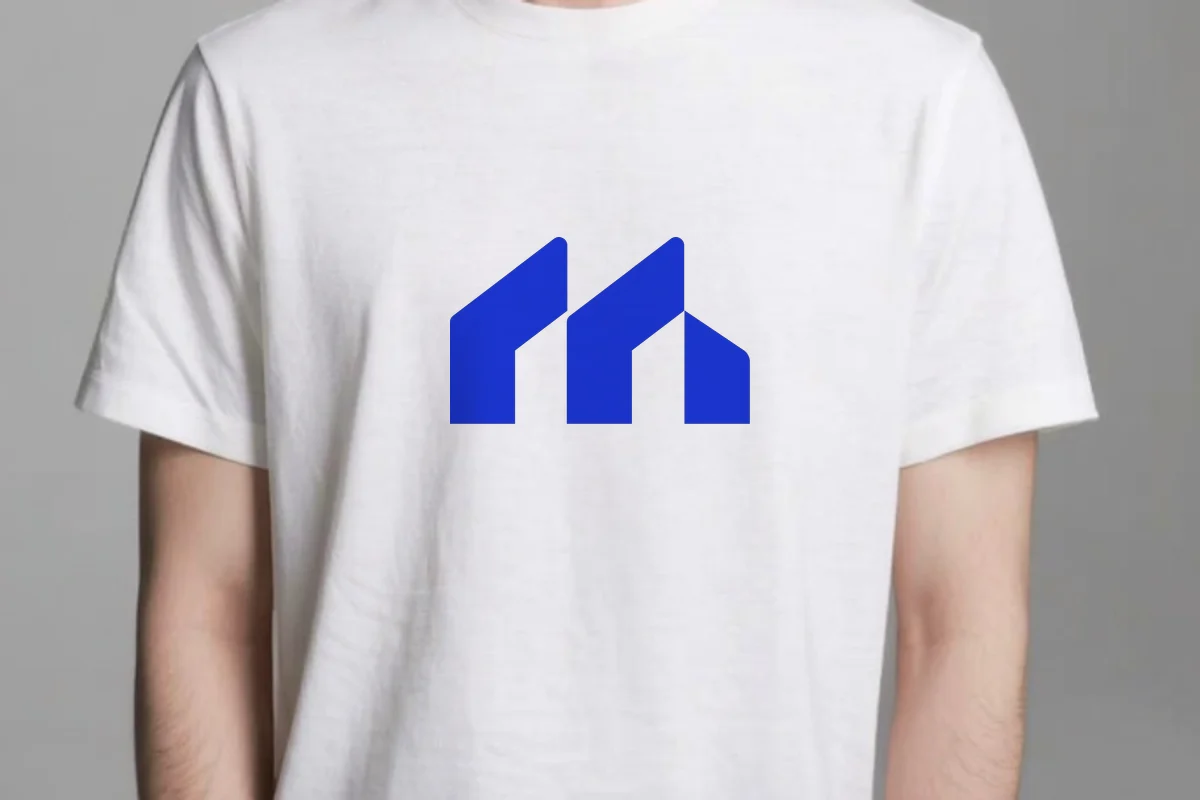
Example worn scene made by Mockova, not the creator’s file.
Good for: showing fit and print placement on the body. Watch out for: match the fit in the mockup to the shirts you actually sell.
5. Folded t-shirt PSD template (Mockups Design)
A folded tee is a great way to show a small chest logo or a neck print, and it looks neat in packaging and gift photos. One PSD, listed as free for commercial use with no attribution required.
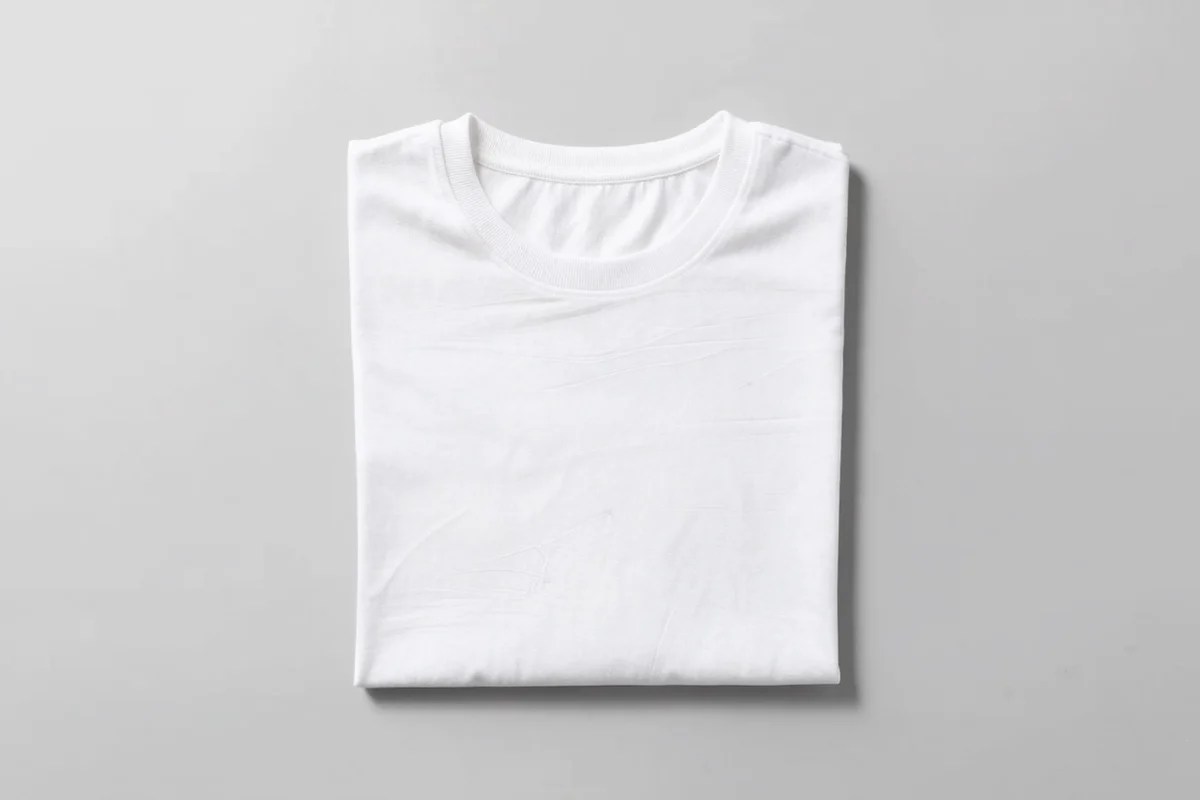
Example folded scene made by Mockova, not the creator’s file.
Good for: small logos, gift sets and packaging shots. Watch out for: large front designs get hidden by the fold.
6. Cropped t-shirt mockup (Mockups Design)
A single PSD of a cropped tee, useful if your brand sells cropped or women’s fits and you want the mockup to match the real product. Listed as free for commercial use.
Good for: fashion and streetwear brands with cropped styles. Watch out for: print area is smaller, so check your design isn’t cut off.
7. Collared polo shirt mockup (PsFiles)
A fully layered PSD of a polo shirt at 4500 × 3500 px, listed as free for personal and commercial use. Polos are common for uniforms, golf clubs and corporate merch, and they’re harder to find than plain tees.
Good for: uniforms and corporate branding. Watch out for: embroidered logos look different from prints, so keep the logo small and simple.
8. Free t-shirt mockup (Graphic Design Junction)
A free t-shirt PSD designed exclusively for Graphic Design Junction, with smart layers for drag-and-drop design placement. The page states it’s free for commercial and non-commercial use.
Good for: a quick extra scene in a different style. Watch out for: read the page’s usage and sharing notes before redistributing anything.
Get it from Graphic Design Junction
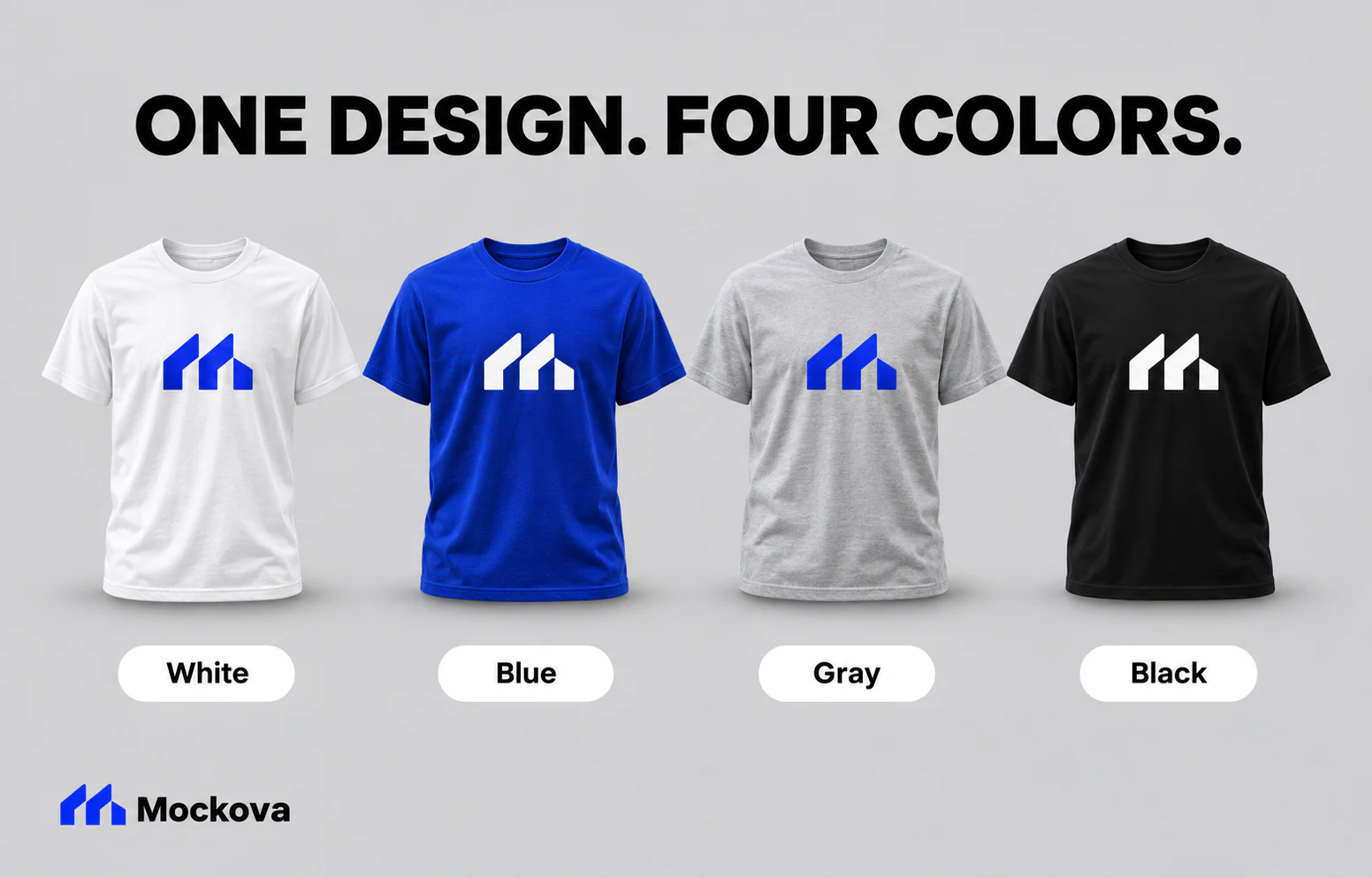
Black and white t-shirt mockups
Most people searching for a t-shirt mockup want one of two colors: black or white. You rarely need a separate download for each. Many PSD tees, including the first pick on this list, have a color layer you can change, so one file can show a white tee, a black tee and everything in between.
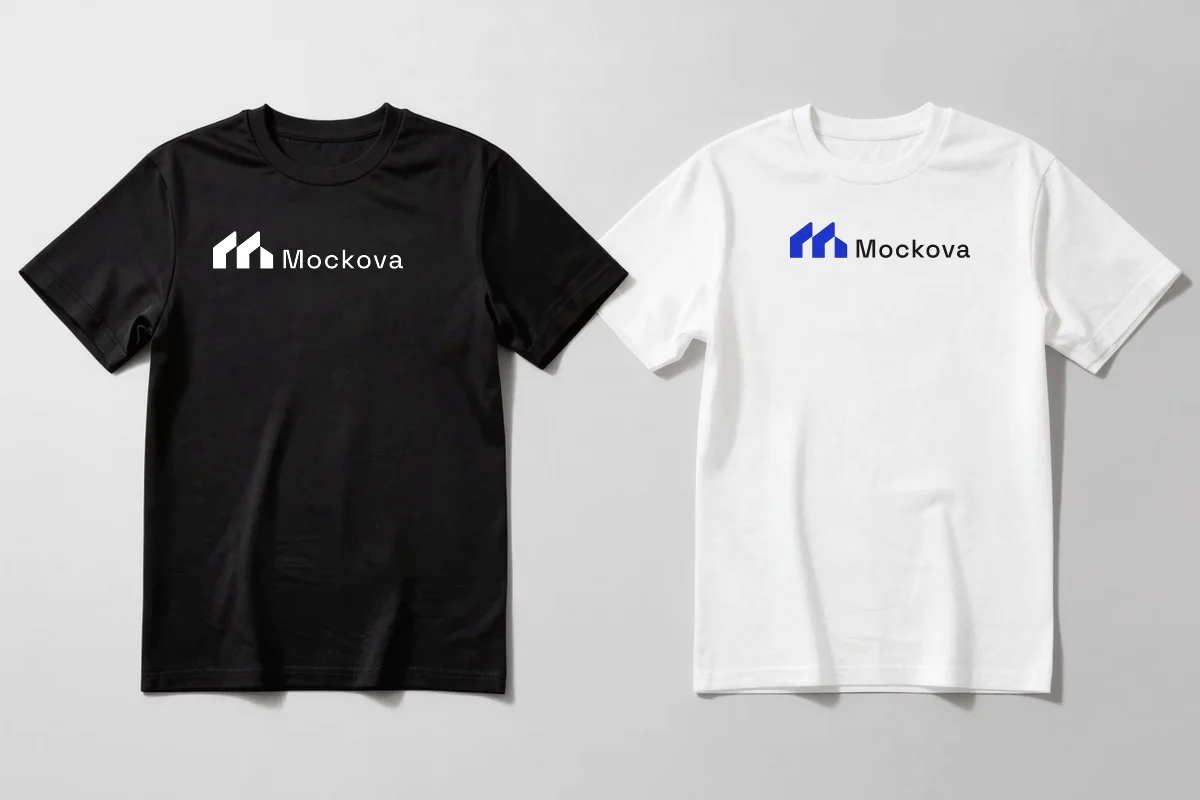
A few things change when you switch to a black shirt:
- Use the light version of your design. Dark ink and thin outlines disappear on black.
- Don’t use pure black. A color a touch lighter, such as #1a1a1a, keeps the folds and shadows visible. Pure black can make the fabric look flat.
- Check the white against your real blanks. Many “white” tees are slightly warm. A bright white mockup next to a cream shirt in the parcel looks off.
Free t-shirt mockup generators (no Photoshop)
If you don’t have Photoshop, an online t-shirt mockup generator is the faster route. You upload a design, pick a shirt and download the image.
- Canva has mockups built into the editor, including tees. Some scenes need a Pro plan. Our Canva mockup guide covers the steps.
- Print-on-demand dashboards such as Printful and Printify create mockups for the products you sell through them, which keeps the image matched to the real blank.
- The Mockova free mockup generator has a T-shirt scene, with no signup and no watermark.
- Placeit has a large library of tees, including people wearing them, with most of it on a subscription.
Generators trade control for speed. You can’t adjust the folds or lighting the way you can in a PSD. Our guide to online mockup generators compares the options.
Tips for better t-shirt mockups
- Match the real garment. Fit, fabric weight and color should match what customers receive.
- Realistic print size. A typical chest print is far smaller than the whole shirt.
- Light and dark versions. Keep a light version of your design for dark shirts.
- Keep the fabric layers. Folds and texture sitting above your design make it look printed, not pasted.
Selling on Etsy or Shopify? Our guide to using mockups for print-on-demand covers which images to use first.
FAQ
Can I use these mockups to sell t-shirts?
At the time of writing, each page listed commercial use as allowed. Selling products is a specific kind of commercial use, so check the license wording, and ask the creator if it isn’t clear. See our guide to mockup licenses.
Do I need Photoshop?
These are PSD files, so Photoshop works best. Photopea can open many PSD mockups for free in the browser.
Why does my design look fake on the shirt?
Usually it’s pasted on top instead of inside the smart object, or the fabric layers were hidden. Our Photoshop mockup guide shows how to place it properly.
Should my first listing image be a black or white t-shirt mockup?
Show the color you sell most. If you sell both, lead with the one where the design reads best at thumbnail size, then add the other color as the second image.
Your next step
Pick one front view and one lifestyle scene from this list, and use them for every design in your next drop. A consistent look accross your shop makes it feel like a real brand.
About the author
Davut Tekin
Senior Product Designer
Davut Tekin is a Senior Product Designer with 10+ years of experience. He runs Mockova and writes about choosing, editing and presenting design mockups.
See Davut’s design work at davut.me →