Free Hoodie Mockups: Front, Back and Sweatshirt PSDs
Free hoodie mockup PSDs with front and back views, crewneck sweatshirt files and black hoodie tips, all free for commercial use on the creator's page.
By Davut TekinUpdated 5 min read
Hoodies are harder to mock up than t-shirts. The fabric is thicker, the pocket and drawstrings get in the way, and a design that sits fine on a tee can end up half buried in a fold.
That makes the choice of file matter more than usual. We looked for free hoodie mockups from the people who made them, with a clear license on the page. Here’s what we found in November 2026. Terms can change, so give the page a look before using one for work.
Quick answer: For a full front and back set, start with Graphic Design Junction’s pullover hoodie mockup. For high-resolution single views, PsFiles has front and back files at 4500 × 3000 px. Mockups Design has simple hoodie and sweatshirt options that are free for commercial use with no attribution required.
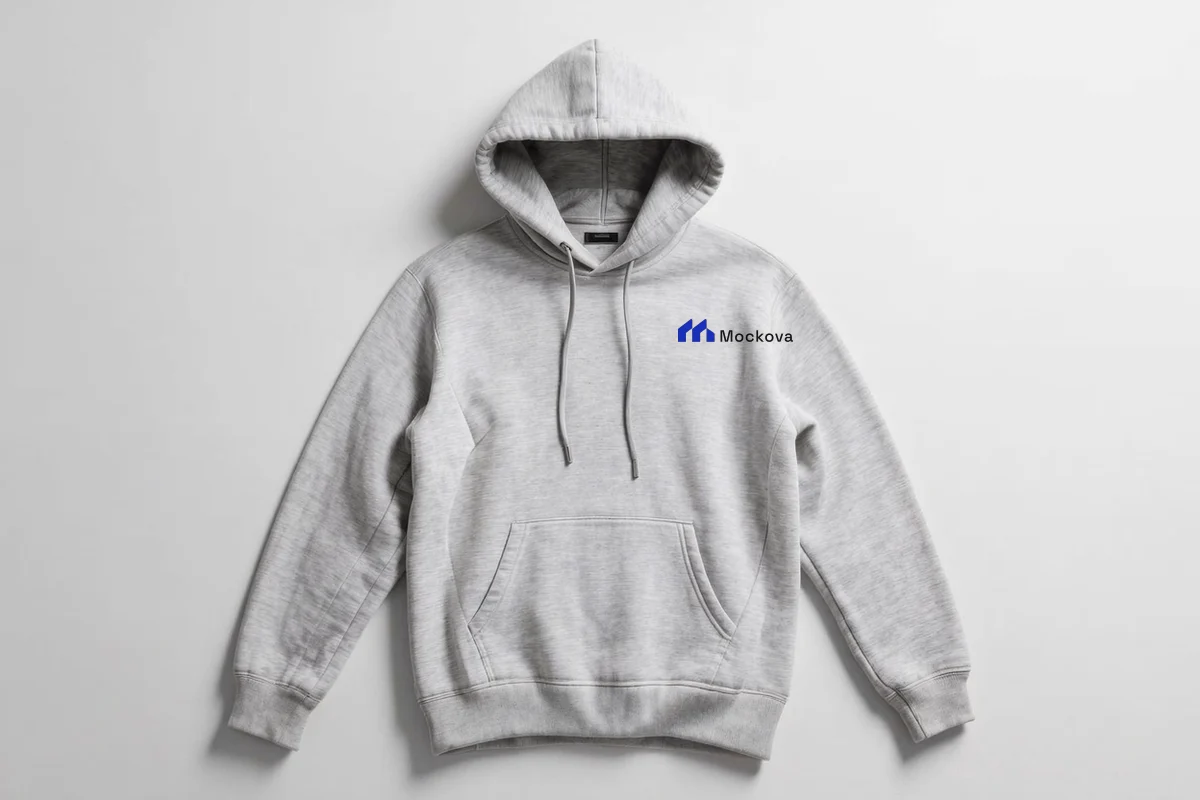
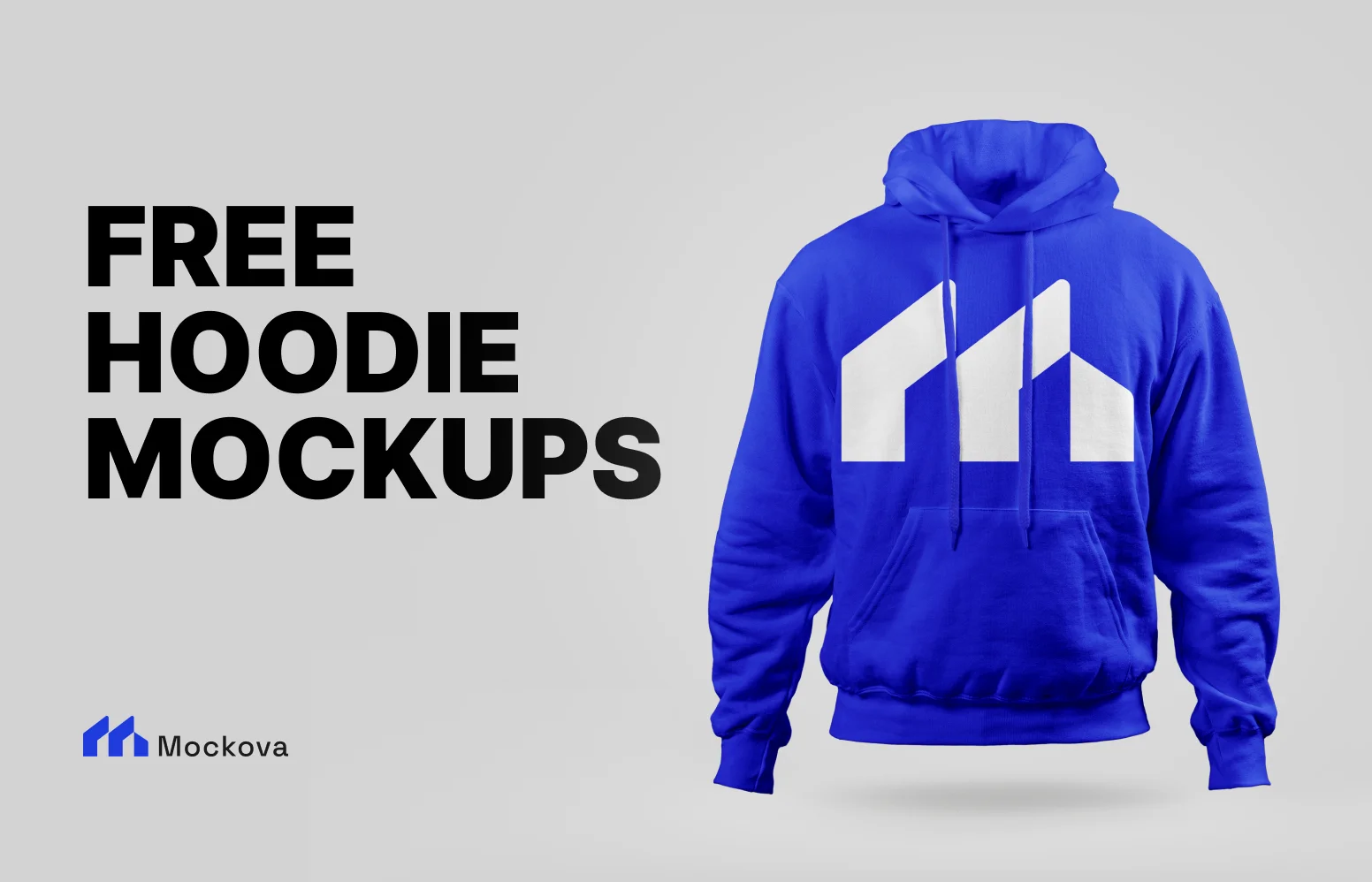
Example scene made by Mockova. The files below come from their creators.
How to use these picks
Start with the product and view you need. Confirm the current file contents, resolution and license on the linked source before downloading.
How we picked
- License information on the source page, checked against the project you intend to make.
- Linked to the creator, not a re-upload site.
- Useful views, especially the front and back, which is what people search for most.
1. Pullover hoodie, front and back (Graphic Design Junction)
A free pullover mockup with both views, which is exactly what you need to show a chest logo and a back print together. The page says it’s free for commercial use, including client projects and online stores.
Good for: full product listings. Watch out for: read the page’s sharing notes before passing the file along.
Get it from Graphic Design Junction
2. Free hoodie mockup (Graphic Design Junction)
A 4000 × 3000 px PSD, listed as free for commercial and non-commercial use. It’s a solid second scene if you want a slightly different look alongside the pullover file.
Good for: presentation slides. Watch out for: the site’s terms ask for a link back when you share it.
Get it from Graphic Design Junction
3. Front view hoodie (PsFiles)
A 4500 × 3000 px PSD with a front view, listed as suitable for personal and commercial projects. The size gives you room to crop in on the chest print for a close-up.
Good for: the first image in a shop listing. Watch out for: keep the design above the pocket line, as it would be on a real hoodie.
4. Hoodie back view (PsFiles)
The matching idea from behind, at 4500 × 3000 px. Back prints are popular on hoodies, and it’s the view many free mockups leave out. It’s listed as free for personal and commercial use.
Good for: large back prints. Watch out for: the hood can sit over the top of the print area, so start the design a bit lower.
5. Free hoodie mockup (Mockups Design)
A single PSD from a site whose license allows commercial and client use with no attribution. You can share the finished flattened image, but not the PSD itself.
Good for: a quick, simple scene. Watch out for: one file means one view, so pair it with a back view if you print on both sides.
6. Free sweatshirt mockup (Mockups Design)
Two PSD files of a crewneck sweatshirt, on the same license. If you sell crewnecks, use this instead of forcing your design onto a hoodie, since the print area and neckline are different.
Good for: crewneck collections. Watch out for: check the print size against what your supplier allows.
7. Men’s sweatshirt mockup (Mockups Design)
One PSD with a men’s sweatshirt, useful for showing fit. Also listed as free for commercial use with no attribution.
Good for: menswear ranges. Watch out for: match the cut to the sweatshirt you really sell.
Making a black hoodie mockup
Black is where hoodie mockups go wrong most often. The design looks bright and flat, and the fabric folds vanish.
- Change the color layer, not the whole image. If the PSD has a color layer, set it there. Darkening the full scene also darkens the shadows and highlights that make it look real.
- Stop short of pure black. A very dark grey keeps the folds, seams and pocket edges visible.
- Use your light artwork. Swap to the white or pale version of the logo, and check it at thumbnail size.
- Keep the texture on top. The fabric and shading layers above your design are what make light ink look printed on dark cotton.
Tips for hoodie mockups
- Mind the pocket. A kangaroo pocket interrupts anything low on the front, so most chest prints sit above it.
- Don’t oversize the print. Hoodie print areas are often smaller than people assume. Check your supplier’s limits.
- Test light on dark. Dark fabric can make a pale design look like it’s glowing. Keep the fabric layers on top so it looks printed.
- Show the back too. If a hoodie has a back print, give it its own image.
Selling these on Etsy? Check the Etsy mockup size guide and our tips on print-on-demand mockups. For tees, see our free t-shirt mockups.
FAQ
Is there a free hoodie mockup with front and back?
Yes. Graphic Design Junction’s pullover file includes both views, and PsFiles offers separate front and back files.
What’s the difference between a hoodie mockup and a sweatshirt mockup?
A sweatshirt mockup usually shows a crewneck: no hood, no front pocket and a rounder neckline, so the print area sits differently. Use the garment you actually sell, since a design sized for a hoodie can look too low on a crewneck.
Can I use these to sell hoodies?
They’re listed as allowed for commercial use, and selling products is usually covered, but read each page’s wording and ask the creator if you’re not sure. Our guide to mockup licenses can help.
Can I edit these in Canva or Photopea?
They’re PSD files, so Photoshop works best. Photopea can open many of them for free, but Canva can’t edit PSD smart objects.
Your next step
Download one front view and one back view in a similar style, and use them for your whole collection. Matching images make a small shop look a lot more like a real brand.
About the author
Davut Tekin
Senior Product Designer
Davut Tekin is a Senior Product Designer with 10+ years of experience. He runs Mockova and writes about choosing, editing and presenting design mockups.
See Davut’s design work at davut.me →