Free T-Shirt Mockup Generator: 6 Online Tools, No Photoshop
The best free t-shirt mockup generator options online: upload your design, pick a tee and download it. No Photoshop, plus what each tool does best.
By Davut Tekin6 min read
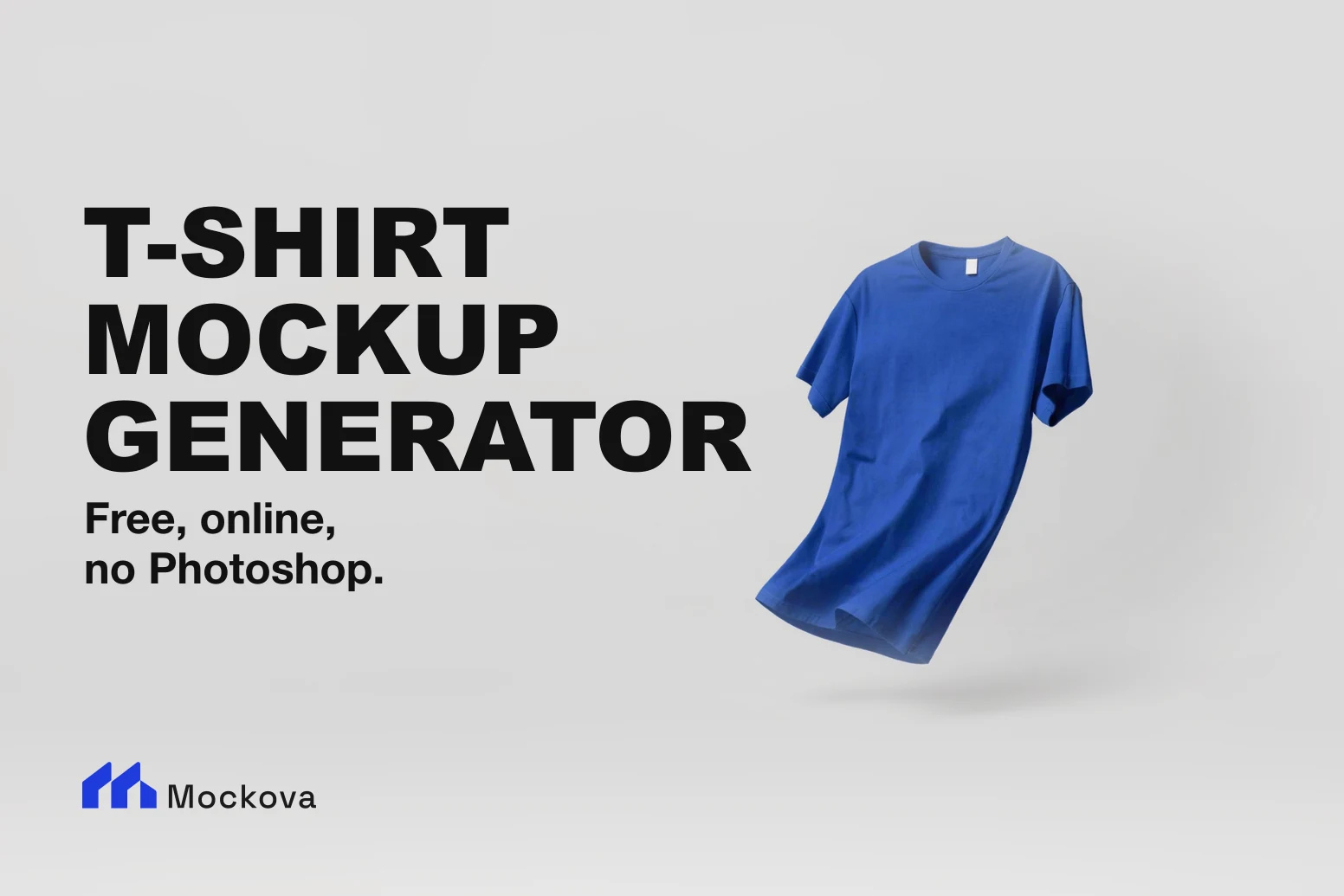
You’ve finished a t-shirt design, and you need a picture of it on a shirt in the next ten minutes. Maybe for an Instagram post, maybe for a shop listing, maybe just to show a friend. Downloading a PSD and learning smart objects isn’t on the list.
That’s exactly what a t-shirt mockup generator is for. You upload your design, pick a shirt and download the image, all in a browser. Here are the free options worth trying, what each one is good at, and where they fall short.
Quick answer: For a free t-shirt mockup with no signup and no watermark, use the Mockova free mockup generator: pick the T-shirt scene, upload a transparent PNG and download a 1200 × 800 px PNG. If you sell through Printful or Printify, use their built-in generators so the image matches the real blank. Canva works well if you already design there.
What a t-shirt mockup generator does
A generator is a ready-made scene with an upload slot. The tool handles the placement, the curve of the fabric and the shadows, and you only choose the design, the size and sometimes the shirt color.
You give up some control. You can’t move the folds or relight the scene like you can in a PSD in Photoshop. For most shop images and social posts, that trade is worth it.
1. Mockova free mockup generator
Our own free mockup generator has a T-shirt scene and a tote bag scene, along with packaging, devices and print. You don’t need an account, and there’s no watermark on the download.
How to use it:
- Open the generator and choose the Apparel filter, then T-shirt.
- Click Add your artwork, pick Logo / graphic and upload a PNG, JPG or WebP.
- Adjust the size and placement, then download a 1200 × 800 px PNG.
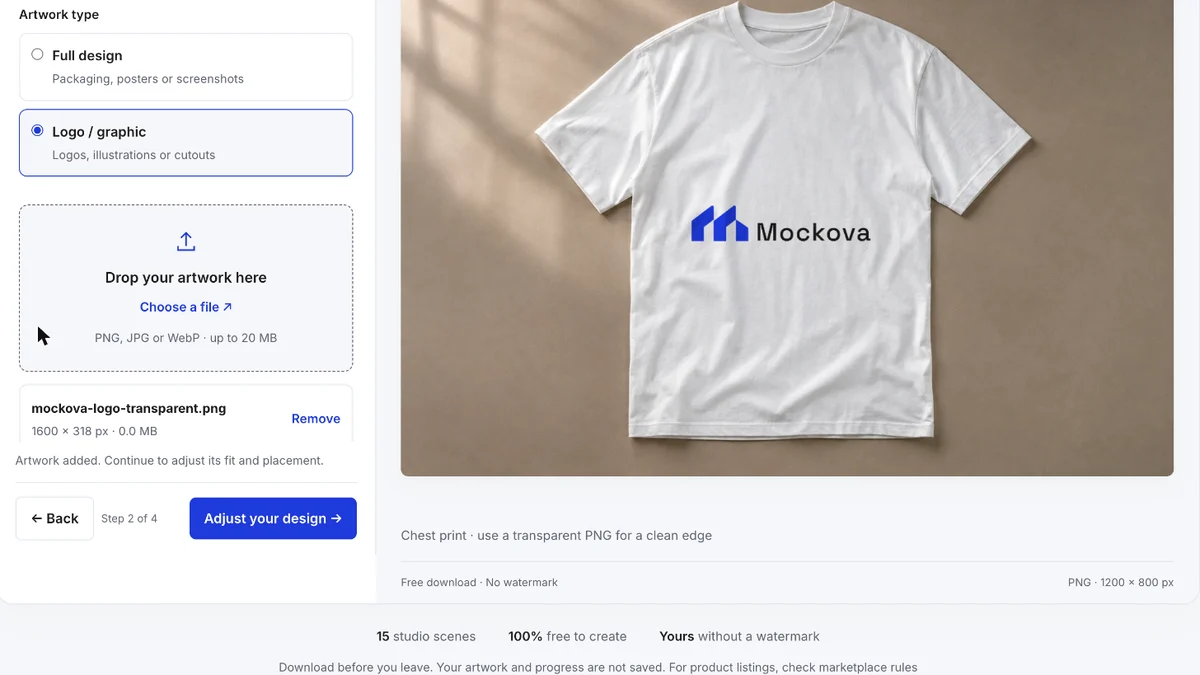
Your artwork is processed in your browser, not uploaded to a server, so nothing is saved when you leave. Download before you close the tab.
Good for: quick social posts and first listing images. Watch out for: one t-shirt scene, so pair it with a PSD if you need lots of angles.
2. Canva mockups
Canva has a mockup library built into the editor, with t-shirts among the apparel scenes. If your design is already in Canva, it’s the fastest route: open Elements > Mockups, drop your design onto a shirt and download.
Some scenes need a Canva Pro plan, and the options change over time. Our Canva mockup guide has the full steps.
Good for: people who already design in Canva. Watch out for: check the license for product listings before selling with the images.
3. Printful mockup generator
If you sell print-on-demand through Printful, its mockup generator is free for the products you add to your store. The big advantage: the mockup shows the actual blank you’ll ship, with the print area the printer will use.
Good for: Printful sellers. Watch out for: it’s built around Printful’s own catalog, so it isn’t a general-purpose tool.
4. Printify mockups
Printify works the same way: when you create a product, it generates mockups of that product. The images match the catalog item and the print area, which keeps your listing honest.
Good for: Printify sellers. Watch out for: many scenes look similar to other shops using the same blanks, so add one custom image of your own.
5. Mockups Design online editor
Some free mockups on Mockups Design have an Edit online option, so you can upload a design and export it in the browser instead of opening the PSD. Look for “Edit online available” near the top of the download page.
Good for: using a specific scene from their library without Photoshop. Watch out for: not every file has the online option. Check the license on the page too.
6. Placeit
Placeit has one of the largest t-shirt mockup libraries online, including lots of people wearing shirts in real settings. Most of it sits behind a subscription, so it suits sellers who need many images every month.
Good for: lifestyle images with models. Watch out for: compare the plan cost with how many images you’ll really make.
Which free t-shirt mockup generator should you use?
| You want | Use |
|---|---|
| A free image right now, no account | Mockova free mockup generator |
| You already design in Canva | Canva mockups |
| You sell through Printful or Printify | Their own generator |
| A specific studio scene | Mockups Design online editor |
| Lots of model and lifestyle shots | Placeit |
| Full control over folds and lighting | A PSD, see our free t-shirt mockups |
Tips for a better generated mockup
- Upload a transparent PNG. A JPG brings a white box with it, and on a colored shirt that box shows.
- Keep the print a real size. A design that covers the whole shirt looks fake. Most chest prints are much smaller than the shirt.
- Use a light version on dark shirts. Dark ink disapears on a black tee.
- Check the download at 100%. Generators can soften small text. If it looks blurry, start from a larger file.
For more on choosing a tool, our guide to online mockup generators compares the wider options, and print-on-demand mockups covers which image to use first in a listing.
FAQ
Is there a completely free t-shirt mockup generator?
Yes. The Mockova free mockup generator has no signup and no watermark, and Printful and Printify generate mockups at no extra cost for products in their catalogs. Canva has free mockups too, though some scenes need Pro.
Can I use generated t-shirt mockups to sell shirts?
Usually yes, but it depends on each tool’s terms. Read the license for product listings, and make sure the shirt in the image matches what the buyer receives. Our guide to mockup licenses explains what to check.
What file should I upload to a t-shirt mockup generator?
A PNG with a transparent background, at least 1500 px wide for a chest print. Vector files work in some tools, but a PNG is accepted everywhere.
Is a generator better than a PSD mockup?
It’s faster, but less flexible. Use a generator for quick posts and simple listings, and a PSD when you need several matching angles or full control over the folds and lighting
Your next step
Open the free mockup generator, choose the T-shirt scene and upload your logo as a transparent PNG. In two minutes you’ll have a clean shirt image to post, and you’ll know if the design works before you order a single tee.
About the author
Davut Tekin
Senior Product Designer
Davut Tekin is a Senior Product Designer with 10+ years of experience. He runs Mockova and writes about choosing, editing and presenting design mockups.
See Davut’s design work at davut.me →