Free Packaging Mockups: Box, Bag and Pouch PSD Files
Free packaging mockup PSDs: box mockups for mailers and retail, plus food pouches and paper bags, with license limits and how to get an honest preview.
By Davut TekinUpdated 5 min read
Packaging is the one place where a packaging mockup can save real money. Spot a problem on screen and it costs you ten minutes. Spot it after printing 1,000 pouches and it costs a lot more.
Finding a good free packaging file is harder than it should be, though. Search results are full of scraper pages with no named creator and vague license claims. So we only kept mockups from sites that publish their own files and state the terms clearly.
Quick answer: For boxes, start with the mailer and stacked box sets from Mockups Design. For pouches, try its food pouch set or Creatsy’s stand-up and coffee pouches, which have a higher resolution but a limit on end products. For bags, the eco-friendly paper bag set is a good all-rounder. Pick the file that matches your real material.
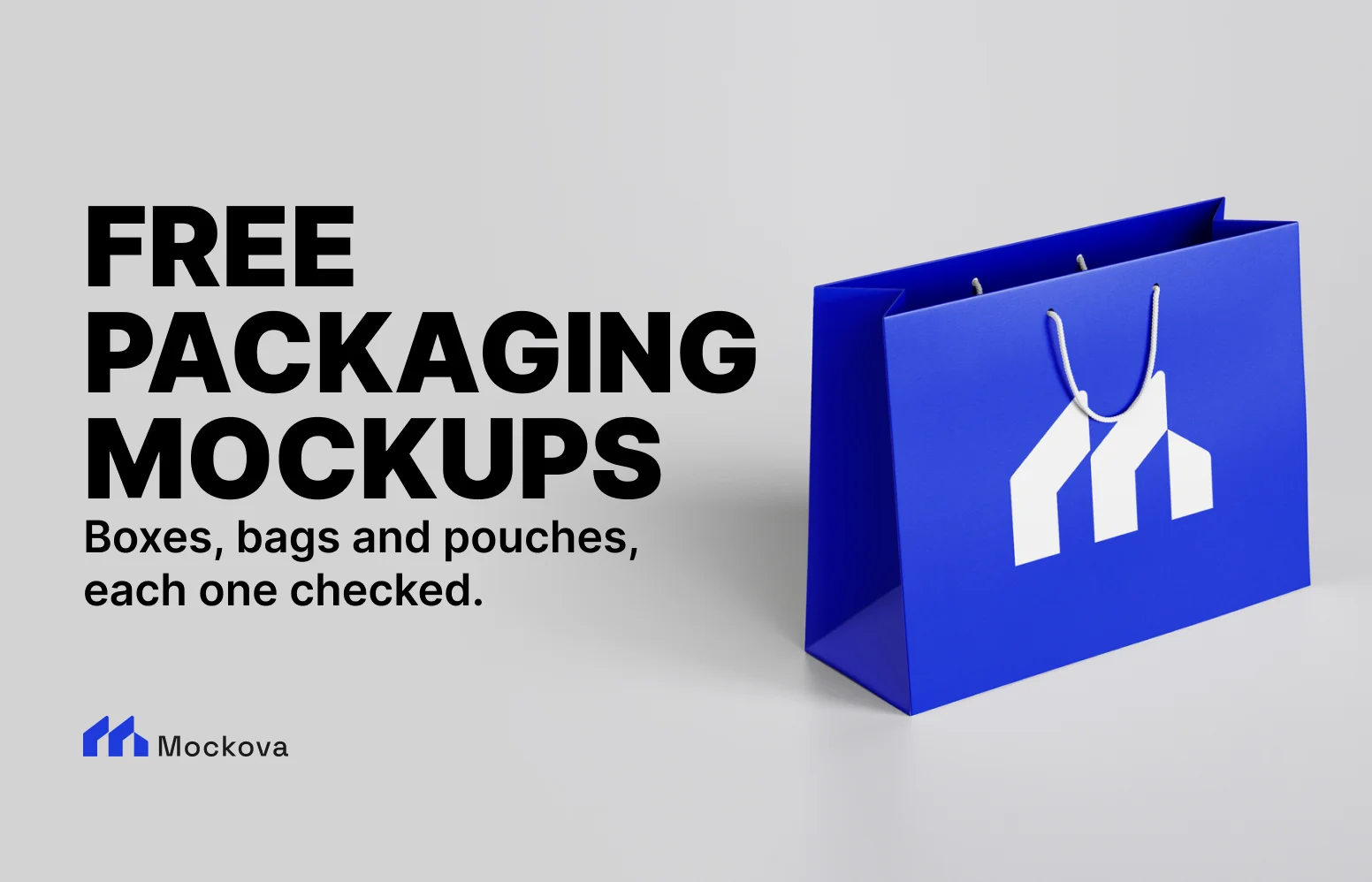
Example scene made by Mockova. The files below come from their creators.
How to use these picks
Start with the product and view you need. Confirm the current file contents, resolution and license on the linked source before downloading.
How we picked
- Free for commercial use on the creator’s own page when we checked, in November 2026.
- Linked to the creator, not a re-upload site.
- A real mix of formats: shipping boxes, retail boxes, flexible pouches and paper bags.
Licenses can change, so read the page again before you start client work.
About the Mockups Design picks: its license allows commercial and client use with no attribution. You can share the finished flattened image, but you can’t redistribute the PSD files or sell them on stock sites.
Box mockups
1. Kraft corrugated mailer box (Mockups Design)
Three PSD files of a corrugated shipping box. If you sell online, this is the box your customer actually sees first, so it’s worth testing how your logo reads on brown card.
Good for: e-commerce brands and subscription boxes. Watch out for: kraft dulls bright colors, so judge your logo’s contrast here and not on a white box.
2. Clean stacked box (Mockups Design)
Three PSD files showing boxes stacked together. Stacks are handy when a brand has several flavors or sizes and you want to show that the range works as a family.
Good for: product ranges and retail presentations. Watch out for: in a stack, side panels get as much attention as the front, so design those too.
3. Box, 95 × 60 × 25 mm (Mockups Design)
Three PSD files of a small box with its real dimensions in the name, which is rare and useful. It suits items like cosmetics, supplements or small accessories.
Good for: checking how much text fits at real scale. Watch out for: if your box has different proportions, your artwork will stretch, so look for a closer match.
Pouch mockups
4. Food pouch (Mockups Design)
Five PSD files of a food pouch, so you get several views in one style. That makes it a strong pick for a snack or coffee brand that needs a full set of images.
Good for: snacks, coffee and dried goods. Watch out for: flexible pouches crease, so keep small text away from the sides and the top seal.
5. Stand-up pouch on concrete ledge (Creatsy)
A stand-up pouch at 6000 × 4000 px, with plenty of room for close crops. The concrete setting gives it more character than a plain product shot.
Good for: hero images and social posts. Watch out for: the free license covers one business and up to 5,000 end products, so check that against your plans.
6. Coffee pouch with scoop (Creatsy)
Another 6000 × 4000 px file, this one made for coffee, with a scoop in the scene and editable colors. Its a nice shortcut if you need something that already feels like a roastery.
Good for: coffee brands and café decks. Watch out for: the same limit applies here (one business, up to 5,000 end products), and you can’t share the source file.
Paper bag mockups
7. Eco-friendly paper bag (Mockups Design)
Three PSD files of a paper bag, a simple way to see a logo at carrying size. It’s one of the cheapest branded items a small shop can order, so it’s worth getting right.
Good for: shops, bakeries and market stalls. Watch out for: a big logo can run into the bag’s folds, so keep it centered on the flat panel.
8. Twisted handle paper bag (Mockups Design)
Five PSD files of a retail bag with twisted handles, for a more classic shopping-bag look. Five files gives you enough angles for a full presentation slide or a shop page.
Good for: fashion and gift shops. Watch out for: match the handle color to the bag you’ll really order.
How to get an honest preview from a packaging mockup
- Match the material. Test on kraft if you’ll print on kraft.
- Use real text. Add your actual ingredients or product details, not placeholder lines.
- Check it small. Zoom out until the pack is shelf-sized and see if the name still reads.
Our guide to testing packaging before you print has the full checklist. Starting a food brand from scratch? See what you need before launch.
Want to test a design in a minute? Mockova’s free mockup generator has product box, mailer box, paper bag and coffee pouch scenes. Upload your artwork in your browser and download a PNG for free.
FAQ
Can I use these packaging mockups for client work?
They were listed as allowed for commercial use when we checked. Mockups Design also explicitly allows client work. Creatsy’s free license has a limit on end products, so read it first. Our guide to mockup licenses explains the common terms.
Do I need Photoshop?
These are PSD files, so Photoshop works best. Follow our step-by-step guide to editing a PSD mockup in Photoshop to replace the artwork while keeping the template’s lighting and folds. Free alternatives like Photopea can open many of them, but check the result carefully.
Can a mockup show me the exact print color?
No. It’s good for layout, readability and general contrast. Ask your printer for a physical proof before a big order.
Which box mockup should I use for a product box?
Match the box style first. A mailer box opens from the top and ships as it is, while a retail box usually has tuck ends and sits on a shelf. Then match the proportions, like the 95 × 60 × 25 mm file above, so your panels don’t stretch.
Your next step
Pick the one file closest to the packaging you’ll really order, drop in your design, and zoom out to shelf size. If the name doesn’t read at that size, fix that before anything else
About the author
Davut Tekin
Senior Product Designer
Davut Tekin is a Senior Product Designer with 10+ years of experience. He runs Mockova and writes about choosing, editing and presenting design mockups.
See Davut’s design work at davut.me →