Free Bottle Mockups: Wine, Water, Beer and Perfume PSDs
Free bottle mockup PSDs for wine, beer, water bottles, perfume and cosmetics, free for commercial use, plus tips for a label on a curved bottle.
By Davut TekinUpdated 6 min read
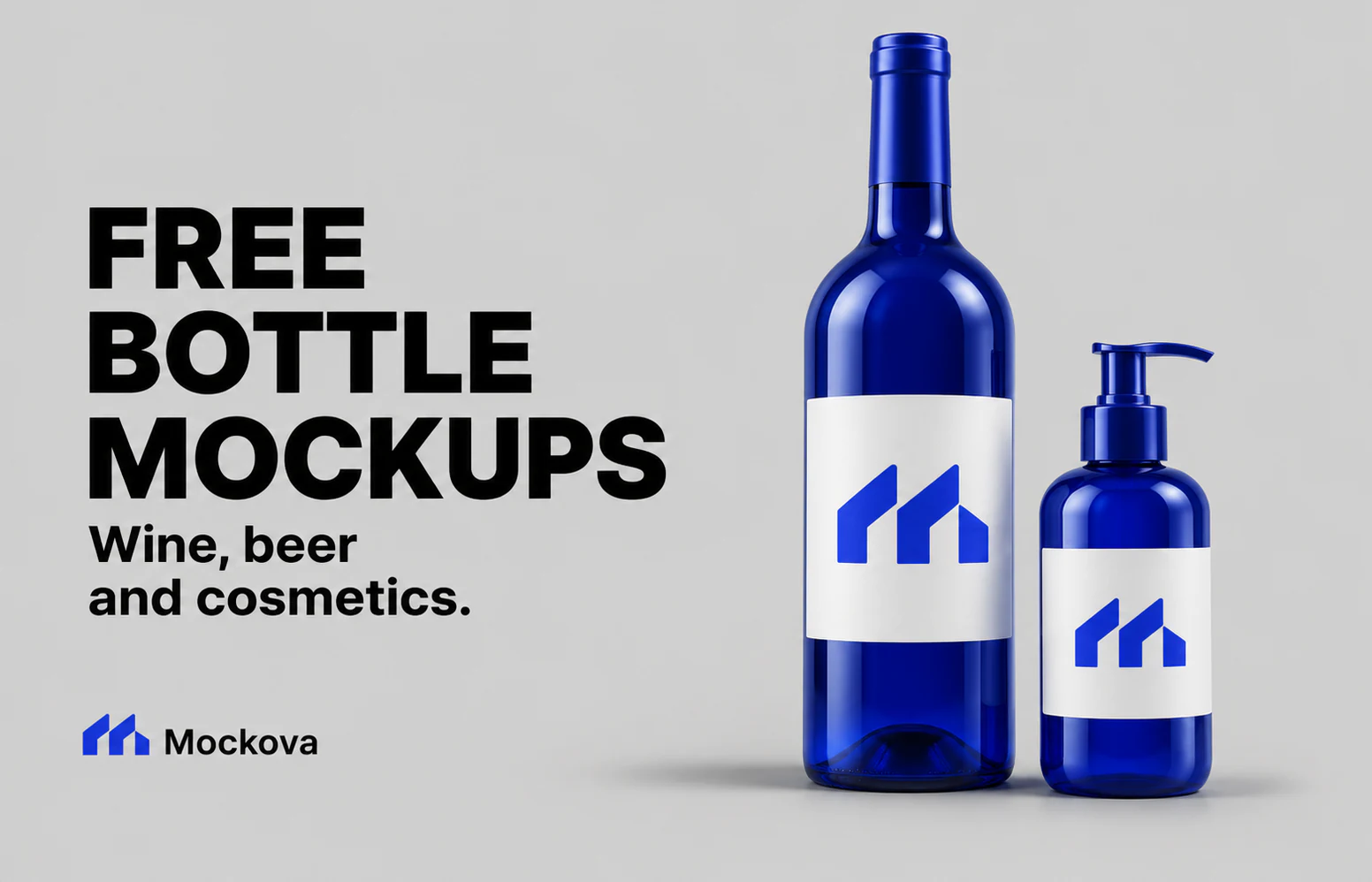
A bottle is a hard thing to mock up by hand. The label wraps around a curve, the glass reflects everything, and a label that looks fine on your screen can lose half its text around the side.
A good bottle mockup does the difficult part for you. All of these come from Mockups Design, whose license allows commercial and client use with no attribution. You can share finished images, but not the PSD files. Check the linked download page and current terms for your project.
Quick answer: For wine labels, start with the wine bottle mockup or the screw lid set. For craft beer, use the free beer bottle mockup. For skincare and beauty, try the soft-touch cosmetic bottle or a white pump bottle. For a water bottle, the sport bottle set has four views, and there’s a single-file perfume bottle too. All are listed for commercial use with no attribution required.
How to use these picks
| You need | Start with | Check before using |
|---|---|---|
| A wine label | Wine bottle mockup | Shoulder shape and label proportions |
| A screw-cap wine bottle | Wine bottle with screw lid | Closure style and color |
| A beer label | Free beer bottle mockup | Glass color and label material |
| A skincare product | Soft-touch cosmetic bottle or white pump bottle | Actual bottle shape, finish and dispenser |
| A reusable water bottle | Free sport water bottle or aluminum water bottle | Material, cap style and print area |
| A fragrance | Perfume bottle mockup | Bottle shape and liquid color |
These are editable Photoshop documents (PSDs), not ready-to-print artwork. Open a copy in Photoshop or a compatible editor such as Photopea. Double-click the design layer’s thumbnail, place your artwork in the new tab, save that tab, and return to the scene. Keep the PSD for later edits and export a JPG or PNG to share. Our Photoshop walkthrough shows each step.
The notes below help you choose a scene; they are not a hands-on compatibility test of every file. Confirm file contents, resolution and current terms on the creator’s page before downloading.
How we picked
- Published terms: a creator page with a license you can check against your project.
- Real product categories: wine, beer, cosmetics, water bottles and perfume.
- Useful file counts, so you can show more than one angle where possible.
Wine
1. Wine bottle mockup
Three PSD files for a classic wine bottle. It’s a solid starting point for testing a label’s proportions and how much text you can fit.
Good for: label design and winery pitches. Watch out for: match the bottle’s shoulder shape to the one you’ll actually use.
2. Wine bottle with screw lid
Four PSD files, with a screw cap instead of a cork finish. It’s a small detail, but a client bottling with screw caps should see exactly that.
Good for: accurate presentations. Watch out for: make sure the cap color matches your real closure.
3. Vine-propped wine bottle
Three PSD files with the bottle propped against a vine, which sets more of a vineyard mood. Use it for a hero image rather than a label check.
Good for: websites and social posts. Watch out for: props compete with the label, so keep the design simple and bold.
4. Free wine bottle mockup
A single PSD for a quick look at a label.
Good for: early concepts. Watch out for: you’ll want more angles for a full presentation.
Beer
5. Free beer bottle mockup
Three PSD files of a beer bottle. Beer labels are often smaller and busier than wine labels, so seeing one at scale is a really useful reality check.
Good for: craft breweries. Watch out for: transparent labels can lose contrast on brown glass. An opaque white label behaves differently, so match the actual material.
Cosmetics
6. Soft-touch cosmetic bottle
Four PSD files with a soft-touch look, a good match for skincare and premium beauty ranges.
Good for: skincare brands. Watch out for: thin type can vanish on small bottles, so check small text at real size.
7. White pump bottle on a clean background
A single PSD on a clean background, which makes it good for product pages and shop images.
Good for: the first image in a listing. Watch out for: a white bottle on a light background needs enough contrast to stand out as a thumbnail.
8. White pump bottle lying on a wall
Another single PSD with a more styled arrangement, which suits social posts and a brand’s lookbook.
Good for: social images. Watch out for: the angle can make labels harder to read, so don’t use it for detail checks.
Water bottle and perfume bottle mockups
9. Free sport water bottle
Four PSD files of a plastic sport bottle, with standing, tilted and floating views. Several angles in one style make it easy to build a full listing for a gym, team or event bottle.
Good for: fitness brands and event merch. Watch out for: a floating view looks dynamic, but use a standing one for the first shop image.
10. Aluminum water bottle (matt)
A single PSD of a matt aluminum water bottle, a cleaner look than plastic for reusable bottles. The free download is a smaller web-size version. The full 3000 × 4000 px file is part of the site’s paid one-year access.
Good for: quick previews and social posts. Watch out for: if you need print-size images or tight crops, check whether the web-size file is big enough first.
11. Perfume bottle mockup
A single PSD of a square perfume bottle, where you can change both the bottle color and the color of the liquid. As with the aluminum bottle, the free version is web-size, and the high-resolution file is paid.
Good for: fragrance labels and beauty brand pitches. Watch out for: glass reflections can cross a label, so keep small text away from the bright edges.
Tips for better bottle mockups
- Mind the wrap. A label wraps out of sight around the sides, so keep the important text within the center of the visible area.
- Design the back label too. Legal text, ingredients and barcodes often need more space than you’d think. Check what’s required for your product.
- Match the label material. Glass color affects clear or translucent labels more than opaque labels. Compare your preview with a physical label on the actual bottle.
- Use your real label proportions. A front label and a full-wrap label need different design areas. If the template does not match, choose another file instead of stretching the artwork.
For a full pre-print process, see how to test your packaging. For more packaging files, try our free packaging mockups.
Need a quick label preview? Mockova’s free mockup generator has a bottle scene and a jar scene. Upload your label artwork and download a PNG, with no signup and no watermark.
FAQ
Can I use these bottle mockups for client work?
Yes, according to Mockups Design’s license, which allows commercial and client use without attribution. You can’t share the PSD files themselves. See our guide to mockup licenses.
How do I make a label look realistic on a bottle?
Place your design in the smart object so it follows the curve, and leave the glass highlights on top. Our guide to making mockups look realistic has more tips.
Do these work in Canva?
Canva will not reproduce the editable smart-object workflow from these PSDs. Use Photoshop or try a free editor like Photopea.
Your next step
Put your real label on a bottle in your real glass color, and inspect the front and side views. Then print the label at its intended dimensions and wrap it around the actual bottle to check fit and readability. A digital mockup cannot confirm adhesion, color or production quality.
About the author
Davut Tekin
Senior Product Designer
Davut Tekin is a Senior Product Designer with 10+ years of experience. He runs Mockova and writes about choosing, editing and presenting design mockups.
See Davut’s design work at davut.me →