Free iPhone Mockups: iPhone 17, 16 and 15 PSD Files
Free iPhone mockup files for app designers: iPhone 17, 16 and 15 PSD sets, a Figma file and Apple's bezels, each checked for commercial use.
By Davut TekinUpdated 5 min read
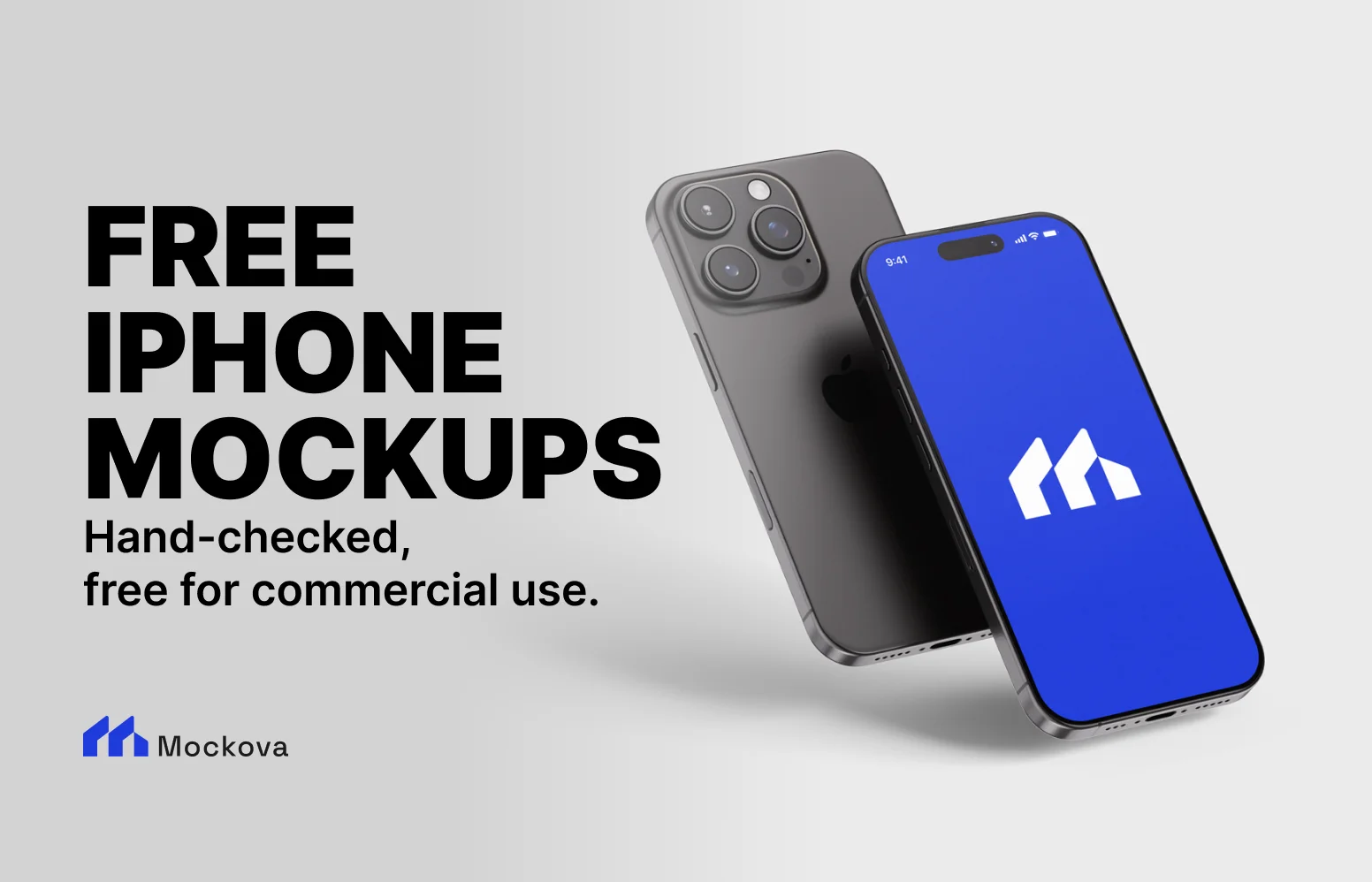
There are thousands of “free iPhone mockups” online. Many are low resolution, some are outdated, and plenty sit on sites that re-upload other people’s work with unclear licenses.
So we checked them. This list covers the iPhone mockup sets worth downloading, from the iPhone 17 back to the 14 Pro. Every pick below links to its source page, with notes on the stated license for each file. Licenses can change, so give the page a quick look before using a file in client work.
Quick answer: For realistic app presentations, start with Mockups Design’s free iPhone 17 and iPhone 16 sets (multiple layered PSDs, free for commercial use). For clean, official device frames, use Apple’s Product Bezels. For a large high-resolution set, Good Mockups offers a free iPhone 17 Pro bundle with PSD and Figma files.
How to use these picks
Start with the product and view you need. Confirm the current file contents, resolution and license on the linked source before downloading.
How we picked
- Free for commercial use on the creator’s own page at the time of writing.
- Linked to the original creator, not a re-upload site.
- Smart objects or easy screen replacement, so you can drop in your design quickly.
- A useful variety of scenes: clean studio shots, lifestyle scenes and flat device frames.
1. Free iPhone 17 mockup (Mockups Design)
A set of five layered PSD scenes of the iPhone 17, which gives you several angles in one consistent style, handy for an app case study where every slide should match. The screens are smart objects, so placing your app design takes seconds. The page lists it as free for commercial use with no attribution required.
Good for: app launch slides and portfolio case studies. Watch out for: match your app’s status bar style to the phone color for a cleaner look.
2. Free iPhone 16 mockup (Mockups Design)
Another five-PSD set from the same creator, this time with the iPhone 16. If your client’s audience still mostly uses the previous model, or you simply prefer its look, this set gives you the same flexibility. Commercial use is allowed and attribution isn’t required, according to the page.
Good for: consistent multi-slide presentations. Watch out for: don’t mix scenes from different phone generations in one deck.
3. iPhone 16 on the rock mockup (Mockups Design)
Three PSD scenes with the phone resting on natural stone. The texture and lighting give it a calmer, more editorial feel than a plain studio shot, which suits wellness, travel and lifestyle apps. It’s listed as free for commercial use, no attribution needed.
Good for: hero images and social posts. Watch out for: busy rock textures compete with busy screens, so it works best with simple, bold UI.
4. Free iPhone 15 mockup (Mockups Design)
Five clean PSD scenes of the iPhone 15. Older models are still useful when you want a neutral device that doesn’t scream “brand new”, or when you’re updating an older portfolio piece and want to keep the device consistent. Free for commercial use per the creator’s page.
Good for: neutral, timeless presentations. Watch out for: if your client is launching on the newest phones, pick a newer model.
5. iPhone 15 on podium mockup (Mockups Design)
The phone stands on a simple podium, like a product display. It’s a great choice when the app itself is the product, for example a premium subscription app or a shopping app. The set includes five PSDs and is listed as free for commercial use.
Good for: product-style launch images. Watch out for: the podium adds drama, so keep the background color in your brand palette.
6. Free iPhone 14 Pro mockup (Mockups Design)
Five PSD scenes of the iPhone 14 Pro with the Dynamic Island cut-out. Useful when you need to show how your interface works around it, which is still a real design consideration. Free for commercial use, no attribution required, according to the page.
Good for: showing UI near the top of the screen. Watch out for: check your design leaves space for the cut-out.
7. iPhone 17 Pro mockup set (Good Mockups)
A bigger bundle: six PSD files at a high 7000 × 4800 px resolution, plus a Figma file. The page lists it as free for personal and commercial use, unlocked with a discount code at checkout. The high resolution leaves plenty of room for close crops
Good for: detailed close-ups and large displays. Watch out for: big files can be slow on older computers.
8. Apple Product Bezels (Apple Design Resources)
Apple’s own device frames, available from its Design Resources page. They’re flat, accurate and perfect for clean UI presentations, App Store-style images and Figma workflows. They aren’t photographic scenes. Apple asks you to follow its marketing guidelines when using them, so read those first.
Good for: clean, accurate device frames. Watch out for: they’re frames, not lifestyle scenes, so pair them with a simple background.
Tips for using iPhone mockups
- Use the right screen size. Design at the phone’s screen proportions so nothing stretches.
- Keep one device across a project. Mixing models makes a deck feel less consistent.
- Show real content. Replace placeholder screens with your actual app.
- Export for the platform. See our guide to mockup export sizes.
If you design in Figma, you can also build a quick mockup without any downloads. See how to make a mockup in Figma.
Need one quick phone image? Mockova’s free mockup generator has a phone scene. Upload a screenshot and download a PNG, with no signup and no watermark.
FAQ
Are these iPhone mockups really free for commercial use?
At the time of writing, each creator’s page listed commercial use as allowed. Licenses can change, so check the page before using a file in client work. Our guide to mockup licenses explains what to look for.
Do I need Photoshop?
Most of these are PSD files, so Photoshop works best. Photopea can open many of them for free. Apple’s bezels and the Figma file in the Good Mockups set work without Photoshop.
Which iPhone model should I show?
Usually the newest one your audience uses. For timeless portfolio pieces, a neutral, slightly older model works fine.
Is there a free iPhone mockup for Figma?
Yes. The Good Mockups iPhone 17 Pro set includes a Figma file, and Apple’s Product Bezels can be placed in a Figma frame as images. You can also build a phone mockup in Figma yourself with a frame and a mask.
Can I get an iPhone mockup as a PNG?
Yes. Place your screen in any PSD set above, then choose File > Export > Export As and pick PNG. If you only need a clean device frame with no scene around it, Apple’s Product Bezels are the simplest starting point.
Your next step
Pick one set, place your app’s three most important screens, and keep the same device for the whole presentation. Consistency does more than any single fancy scene.
About the author
Davut Tekin
Senior Product Designer
Davut Tekin is a Senior Product Designer with 10+ years of experience. He runs Mockova and writes about choosing, editing and presenting design mockups.
See Davut’s design work at davut.me →