Free Business Card Mockups: 8 PSD Files Worth Using
Free business card mockup PSDs: textured, embossed, stacked and letterhead scenes, with card sizes, license notes and how to make a card look real.
By Davut TekinUpdated 5 min read
Business cards are small, so a business card mockup has to do a lot with very little. A flat card on a grey background tells a client almost nothing. A card with visible paper grain, real thickness and soft shadows starts to feel like something they could hold.
These eight free mockups cover the scenes you’ll use most. Each links to its source page, with license links where available. Terms can change, so check again before you use a file in paid work.
Quick answer: For a premium paper feel, start with Mockups Design’s textured studio or embossed sets. For showing a stack and a matching back, use its stacked card sets. For a full identity overview, try Graphic Design Junction’s letterhead and card mockup, which asks for a link back when you share it.
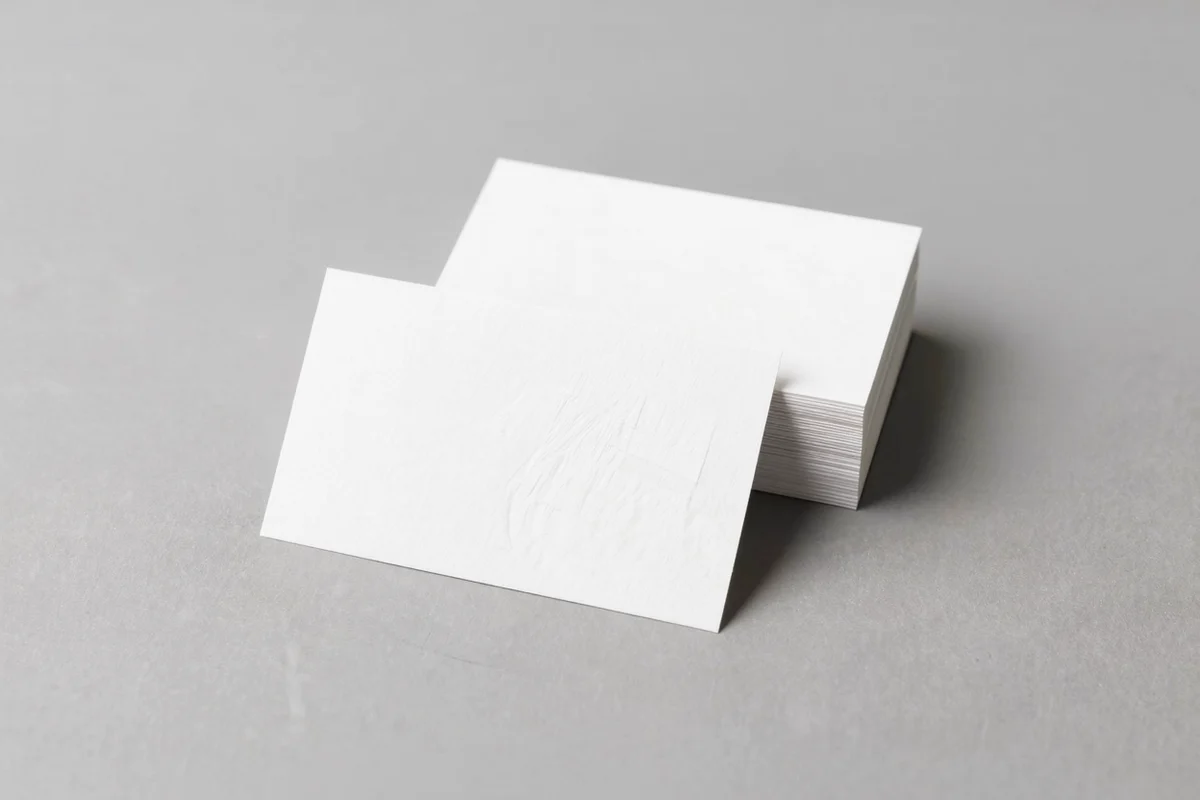
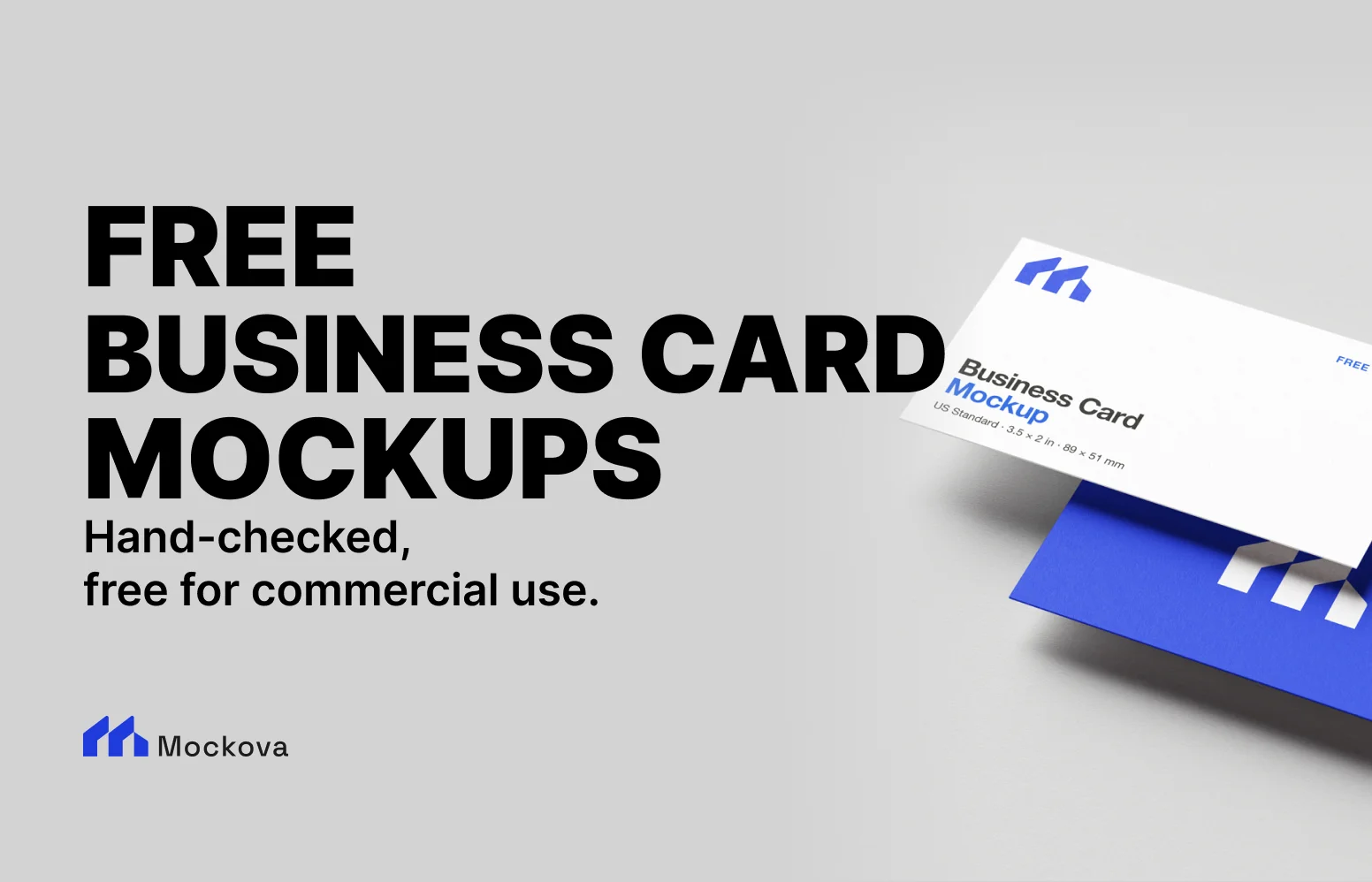
Example scene made by Mockova. The files below come from their creators.
How to use these picks
Start with the product and view you need. Confirm the current file contents, resolution and license on the linked source before downloading.
How we picked
- License information on the source page, checked against the project you intend to make.
- Linked to the creator, not a re-upload site.
- Different jobs: paper texture, special finishes, stacks and stationery sets.
About the Mockups Design picks: its license covers commercial and client work with no attribution. You can share the finished flattened image, but you can’t redistribute the PSD files.
1. Textured studio business card (Mockups Design)
Three PSD files that put the focus on the paper. Use this when the stock is part of the idea, like a cotton or uncoated card, and you want the client to notice it.
Good for: premium and craft brands. Watch out for: texture can make very fine type look rough, so check small text at 100%.
2. Embossed business card (Mockups Design)
Three PSD files for showing a raised or pressed finish. It’s the easiest way to explain an embossing idea to someone who’s never seen it in print.
Good for: pitching a special finish. Watch out for: simple, bold shapes emboss best, so thin lines may not work in print even if they look nice here. Ask your printer.
3. Stacked business card (Mockups Design)
Four PSD files with cards in a stack, which feels like a box fresh from the printer. A stack also shows the card’s edge, so it suits thick stock.
Good for: portfolio images. Watch out for: only the top card shows much of the design, so make sure that side is your strongest.
4. Stacked 90 × 55 mm business card (Mockups Design)
Four PSD files at a specific size. That matters more than it sounds: artwork made for 90 × 55 mm won’t fit a 3.5 × 2 inch card without changes, so use the file that matches your print size.
Good for: European card formats. Watch out for: North American cards have different proportions, so don’t force your design in.
5. Business card on blue background (Mockups Design)
A single PSD on a solid colored background. It’s simple, which is the point. A bold color can make a plain card stand out in a portfolio grid or on social media
Good for: quick social posts. Watch out for: make sure the blue doesn’t fight your brand colors. If it does, pick another scene.
6. Free business card mockup (Graphic Design Junction)
A 4000 × 3000 px PSD, designed exclusively for Graphic Design Junction by Yasir Jawaid. The page lists it as free for commercial and non-commercial use.
Good for: an alternate scene in a client deck. Watch out for: the terms ask you to include a link to their site when you share it, and you can’t claim the file as your own.
Get it from Graphic Design Junction
7. Letterhead with business card (Graphic Design Junction)
A stationery scene that shows a card alongside a letterhead, so you can present more of the identity in one image. It’s also listed as free for commercial use, with the same link-back request.
Good for: a brand overview slide. Watch out for: replace the placeholder letter with realistic text, since it’s easy to read at this size.
Get it from Graphic Design Junction
8. 7 free business card mockups (Graphics Fuel)
A bundle of seven PSD files, which is a lot of variety for one download. At 1920 × 1280 px they’re smaller than the others, and the page says they can be used in personal and commercial projects.
Good for: screen use and quick concepts. Watch out for: the size is fine for slides, but too small for tight crops.
Tips for a better business card mockup
- Use realistic details. Swap in a real-looking name, role and contact info.
- Show the back. If your card is double-sided, present both sides.
- Match the size. Choose a mockup with your card’s proportions.
- Check it small. A card is small in real life, so zoom out and see if the text still reads.
Before you print, our business card design tips cover bleed, safe zones and type sizes. Presenting to a client? See how to present a logo using mockups.
Need a quick card preview? Mockova’s free mockup generator has a business card scene. Upload your card design and download a PNG, with no signup and no watermark.
FAQ
Can I use these mockups in client presentations?
They were listed as free for commercial use when we checked. The Graphic Design Junction files also ask for a link back when shared, so read each page. See our guide to mockup licenses.
Do I need Photoshop?
They’re PSD files, so Photoshop is the most reliable choice. You can try a free alternative like Photopea.
Will the mockup show how my card will really print?
Only roughly. Use it for layout and overall feel, then ask your printer for a proof to check color and paper.
What size should a business card mockup be?
Match the card you’ll print. 3.5 × 2 inches is standard in the US and Canada, while 85 × 55 mm and 90 × 55 mm are common elsewhere. Pick a mockup with the same proportions so your layout isn’t stretched or cropped.
Your next step
Choose one texture scene and one simple scene from this list, and use them to present your next card design. Two good images do a lot more than a page full of average ones.
About the author
Davut Tekin
Senior Product Designer
Davut Tekin is a Senior Product Designer with 10+ years of experience. He runs Mockova and writes about choosing, editing and presenting design mockups.
See Davut’s design work at davut.me →